
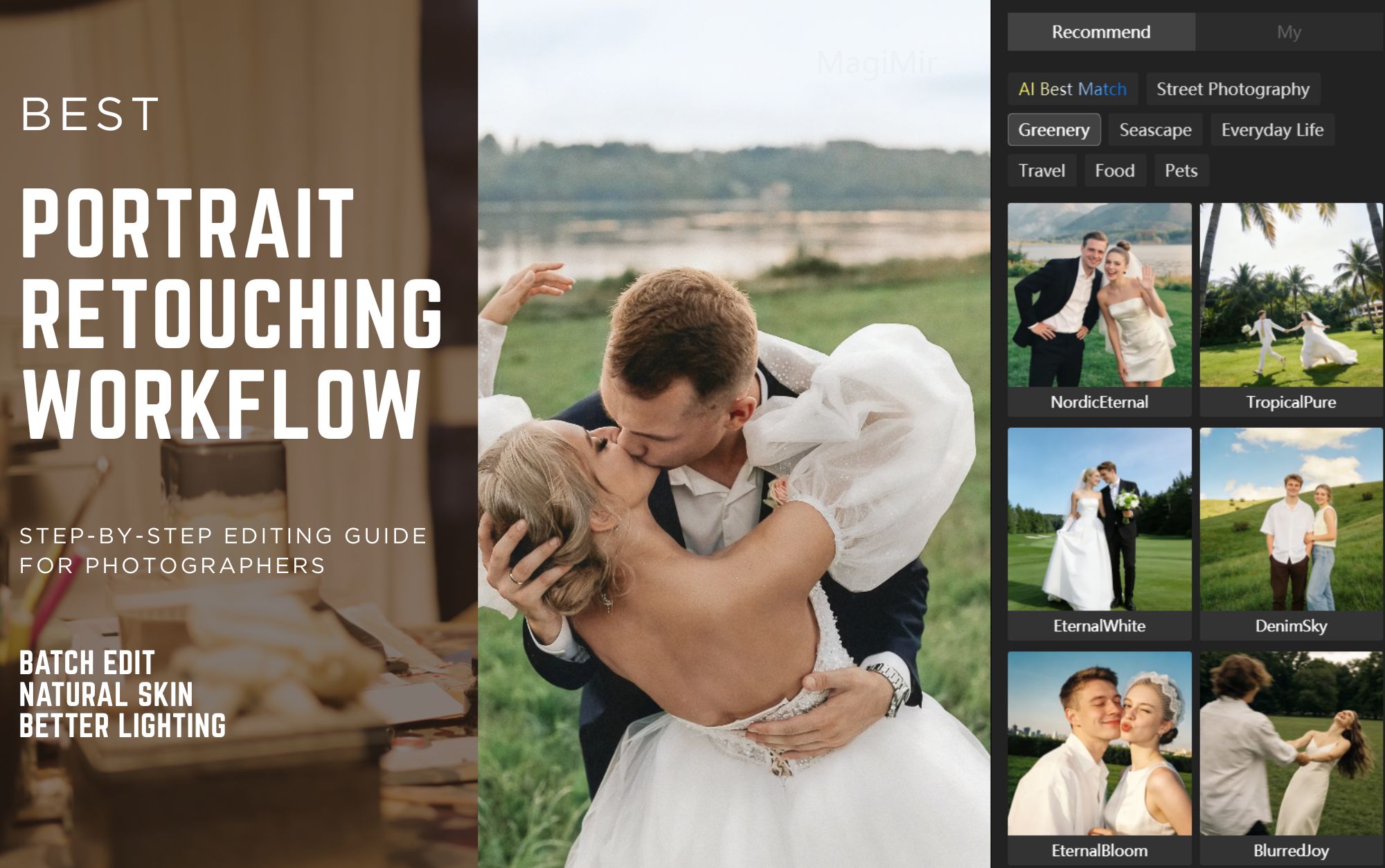
Portrait Retouching Tips for Photographers: 20 Practical Editing Techniques
Portrait retouching is more than just fixing imperfections. For modern photographers, editing is about creating mood, improving visual focus, and delivering consistent results across large photo sets.
Whether you shoot weddings, studio portraits, family sessions, or commercial work, having a clear retouching workflow can dramatically improve both editing speed and image quality.
In this guide, we’ll break down 20 practical portrait editing tips that professional photographers use every day — and how intelligent editing tools like Magimir can help simplify the entire process.
1. Always Correct Before Stylizing
Before applying any color grading style, photographers should first fix:
- White balance
- Exposure balance
- Contrast foundation
This ensures the final color style looks natural rather than forced.
With Magimir’s intelligent tone correction, photographers can quickly normalize exposure and color balance across entire galleries before moving into creative adjustments.
2. Recover Highlights and Lift Shadows Carefully
High dynamic range is common in portrait photography.
- Overexposed highlights lose texture
- Underexposed shadows reduce depth
A balanced recovery helps restore detail while maintaining natural contrast.
Batch exposure adjustment tools allow photographers to fix lighting inconsistencies across hundreds of images in minutes.
3. Natural Skin Tone Is About Subtle Color Control
Professional retouching avoids overly bright or plastic skin.
Key principles include:
- Slightly increasing skin luminance
- Reducing oversaturated warm tones
- Keeping color transitions smooth
Magimir’s skin tone intelligence helps unify complexion across large photo sets without destroying natural texture.
4. Simplify Busy Backgrounds to Emphasize Subjects
Portrait images become stronger when distractions are reduced.
Photographers often:
- Lower background saturation
- Add slight blur or depth
- Increase subject separation
This improves storytelling and visual hierarchy.
5. Add Contrast When Images Look Flat
Flat lighting conditions often require tonal shaping.
A gentle S-curve style contrast adjustment can:
- Enhance depth
- Improve facial structure
- Add cinematic mood
This is especially useful for outdoor portrait sessions or cloudy weather shoots.
6. Retouch Skin Without Losing Structure
Great retouching softens texture — not bone structure.
Professional photographers focus on:
- Maintaining facial contours
- Preserving pores
- Avoiding over-smoothing
Magimir’s neutral gray skin retouching helps photographers achieve commercial-grade skin refinement with natural results.
7. Enhance Eye Highlights to Add Life
Eyes are the emotional anchor of portrait photography.
Subtle brightening of catchlights and iris clarity can dramatically improve engagement and expression.
Even minor local adjustments can make portraits feel sharper and more alive.
8. Use Directional Light Effects to Improve Hair Detail
Hair often benefits from simulated rim lighting or warmth adjustments.
Adding slight tonal separation helps create:
- Volume
- Shine
- Visual layering
This is especially effective in fashion or studio portraits.
9. Avoid Over-Saturated Lip or Makeup Colors
Professional retouching focuses on balance.
Reducing harsh reds while slightly improving brightness often results in cleaner and more premium visual output.
10. Shape Neck and Shoulder Shadows for Depth
Portrait lighting is not only about the face.
Subtle shadow shaping around the jawline and shoulders enhances:
- Three-dimensionality
- Slimming effect
- Overall image structure
11. Choose Color Styles That Match Shooting Environment
Different portrait styles require different color directions.
Examples include:
- Film retro tones
- Soft Japanese low-contrast looks
- Cool forest cinematic grading
- Clean commercial neutral tones
Magimir allows photographers to synchronize color grading styles across entire shoots instantly.
12. Fix Backlit Portraits With Warm Tone Compensation
Backlit portraits can make faces appear dark or flat.
Gradual brightness lifting combined with slight warmth adjustments helps restore natural skin presence.
13. Correct Overexposed Skies With Gradient Balancing
Outdoor photographers frequently deal with blown highlights in sky areas.
Balancing brightness while cooling tone can restore visual harmony without affecting the subject.
14. Reduce Distracting Clothing Colors
Bright wardrobe elements may steal attention from the subject’s face.
Lowering saturation or brightness selectively keeps the viewer’s focus where it matters.
15. Handle Night Portrait Noise Carefully
When shooting in low light:
- Excessive shadow lifting increases noise
- Over-processing damages detail
Moderate exposure correction combined with intelligent noise reduction creates cleaner results.
16. Build Depth Through Light Separation
Professional portraits often rely on tonal contrast between light and shadow zones.
Enhancing this separation improves realism and cinematic mood.
17. Warm Key Light, Cool Background for Atmosphere
Color contrast between subject and environment creates emotional impact.
Warm highlights combined with cooler shadow tones can produce strong storytelling effects.
18. Use Subtle Grain for Film Character
Adding controlled grain texture can:
- Reduce digital harshness
- Create nostalgic mood
- Improve visual cohesion
19. Always Check Details at Full Zoom
Before exporting final images, photographers should review:
- Skin transitions
- Hair edges
- Background blending
- Color banding
High-volume editing tools like Magimir make it easier to maintain consistent quality even when processing thousands of photos.
20. Editing Mindset Matters as Much as Technique
The best photographers don’t just edit photos — they edit emotion.
Before adjusting sliders, ask:
- What feeling should this image convey?
- Where should the viewer look first?
- Is the retouching enhancing or distracting?
Final Thoughts
Portrait retouching in 2026 is no longer about spending hours on each image.
Modern photographers need workflows that combine:
- Speed
- consistency
- professional quality
With intelligent batch editing and natural retouching technology, tools like Magimir help photographers focus more on creativity and less on repetitive post-production work.
👉 Try faster portrait editing workflows today.Start your free trial now