
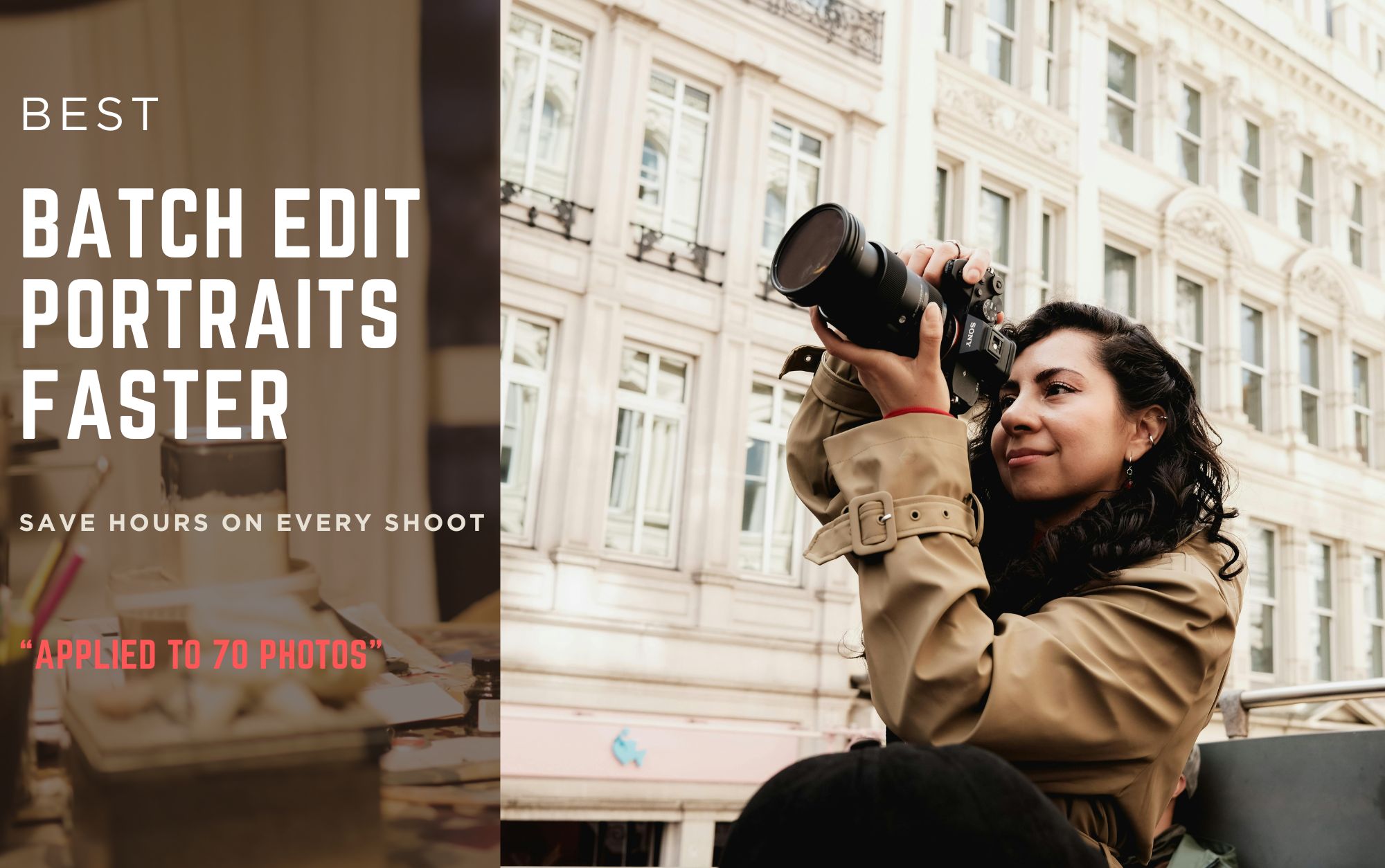
If you're a portrait photographer, you already know the problem.
One shoot can easily produce 300 to 1,000 photos — and editing them one by one is simply not sustainable.
The real challenge isn’t just speed. It’s maintaining consistent skin tones, lighting, and style across an entire gallery without sacrificing quality.
That’s where batch editing becomes essential.
Why Batch Editing Matters for Portrait Photography
Modern clients expect:
- Fast delivery
- Consistent editing style
- Natural-looking skin
- High-quality results
But traditional editing workflows slow everything down.
Manual retouching often leads to:
- Inconsistent color grading
- Uneven skin tones
- Time-consuming repetitive work
Batch editing solves this by allowing photographers to apply adjustments across multiple images instantly.
Step-by-Step Workflow to Batch Edit Portrait Photos Faster
Here’s a practical workflow used by professional photographers.
Display image courtesy of the photographer-FB: Mark Philip S. Dales
Step 1 — Select a Strong Reference Image
Start by choosing one well-balanced image from your shoot.
This image should have:
- Correct exposure
- Natural skin tones
- Clean lighting
This will act as your baseline for the entire set.
Step 2 — Apply Global Adjustments First
Before doing any detailed retouching, fix the overall image tone.
Focus on:
- White balance
- Exposure
- Contrast
- Basic color correction
Once this is correct, your entire batch will already look more consistent.
Step 3 — Synchronize Edits Across the Entire Set
This is where batch editing becomes powerful.
Instead of repeating adjustments manually:
- Apply your edits to multiple photos
- Sync color grading across all images
- Maintain a unified visual style
With tools like Magimir, photographers can apply adjustments to dozens or even hundreds of photos instantly.
👉 As shown above, editing effects can be applied to large batches at once, dramatically improving workflow efficiency.
Step 4 — Apply Intelligent Skin Retouching
Portrait consistency depends heavily on skin quality.
Batch retouching should:
- Smooth uneven areas
- Preserve natural skin texture
- Avoid over-processing
Modern AI retouching tools allow photographers to apply natural skin optimization across entire galleries — without making images look artificial.
Step 5 — Adjust Body and Composition (If Needed)
For portrait photography, minor refinements can improve the final result:
- Face shape balance
- Body proportion correction
- Posture improvements
The key is subtlety — adjustments should enhance, not distort.
Step 6 — Fine-Tune Individual Images Only When Necessary
Batch editing handles most of the workload.
But for standout images (hero shots), you can:
- Refine lighting
- Enhance details
- Adjust specific areas
This hybrid approach saves time while maintaining high-end quality.
Step 7 — Export the Entire Gallery Efficiently
Once editing is complete:
- Export all images in one go
- Maintain consistent resolution and quality
- Deliver faster to clients
With batch export workflows, what used to take hours can now be done in minutes.
Common Mistakes to Avoid in Batch Editing
Even experienced photographers can run into issues.
Avoid:
❌ Over-smoothing skin across all images
❌ Applying identical settings to drastically different lighting conditions
❌ Ignoring small inconsistencies in hero images
❌ Overusing presets without adjustment
The goal is consistency — not uniformity.
Why Photographers Are Switching to Batch Editing Tools
In 2026, photography workflows are changing.
Photographers are moving away from:
- Manual editing
- Time-heavy retouching
- Inconsistent results
And toward:
- Intelligent batch workflows
- Faster turnaround
- Scalable editing processes
Magimir is designed specifically for this shift — helping photographers process large volumes of portrait images while maintaining professional quality.
Final Thoughts
Batch editing is no longer optional.
If you want to:
- Save hours of editing time
- Deliver faster to clients
- Maintain consistent visual quality
You need a structured workflow — and the right tools.
Once you start using batch editing effectively, it completely changes how you approach post-production.
👉 Try a faster portrait editing workflow today.Start your free trial now