
Blog
It integrates powerful features such as one-click liquify, skin smoothing, makeup application, wrinkle removal, background replacement, and flaw/object/bystander removal. With simple and efficient operation, Magimir supports batch processing and unlimited exports, significantly reducing editing time while maintaining a natural texture. It greatly enhances workflow efficiency, making post-production easier and more professional.
Latest News

MagiMir Magic Points Guide: How to Use AI Tools Without Extra Charges
Learn how MagiMir Magic Points work, try multiple AI effects without extra charges, and save originals.

How to Pose Naturally in Photos: 5 Simple Tips for Better Portraits
Learn 5 simple posing tips to look natural in photos, from relaxed hands to flattering body angles.
Most Concerned

🌍 Magimir Global Partners Wanted!
Become a Magimir Agent or Distributor. Let's Grow Together!
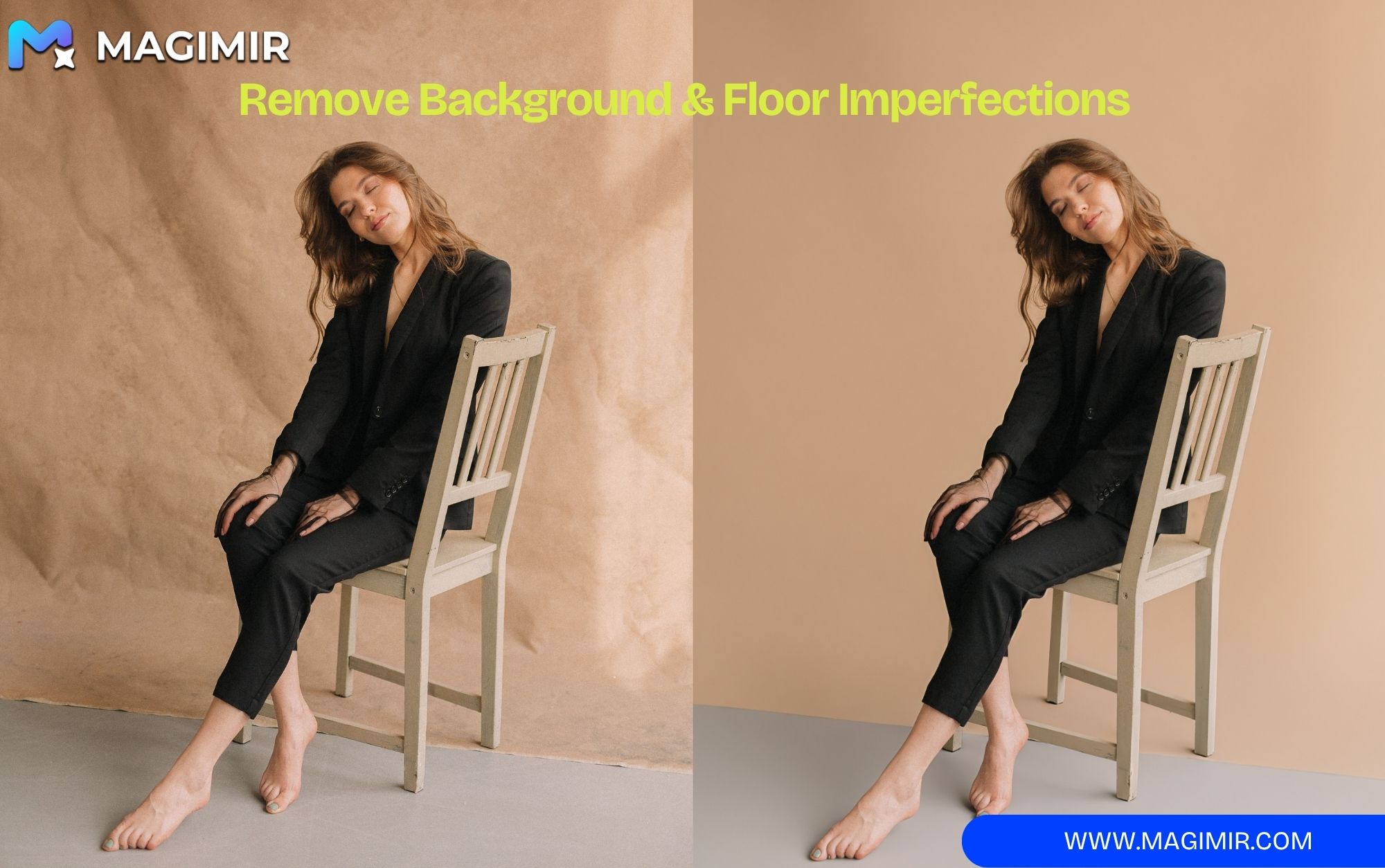
Magimir AI Studio Cleanup Is Here: Remove Distractions and Repair Props in One Click
Magimir AI Studio Cleanup removes light stands, fixes messy backgrounds, and repairs damaged props.

Limited-Time Magic Points Offer: Get 3× More AI Editing Power With MagiMir
Get 3× Magic Points with the same price before September 30. Use AI tools for cleanup, lighting, and portrait repair.

AI Expression Repair Is Here: MagiMir Helps Save the Moments You Can’t Retake
MagiMir AI Expression Repair fixes closed eyes and imperfect expressions, saving unforgettable photo moments.

AI Lighting Is Here: MagiMir Brings New Life to Your Photos With AI Light
MagiMir AI Lighting recreates natural light effects, adding depth, atmosphere, and emotion to every photo.

MagiMir Global iPad 1.0.8 Is Here: Better Portrait Retouching, Sony Tethering, and a Faster Workflow
MagiMir iPad 1.0.8 adds smarter portrait retouching, Sony tethering, ID Photo, and faster workflows.