
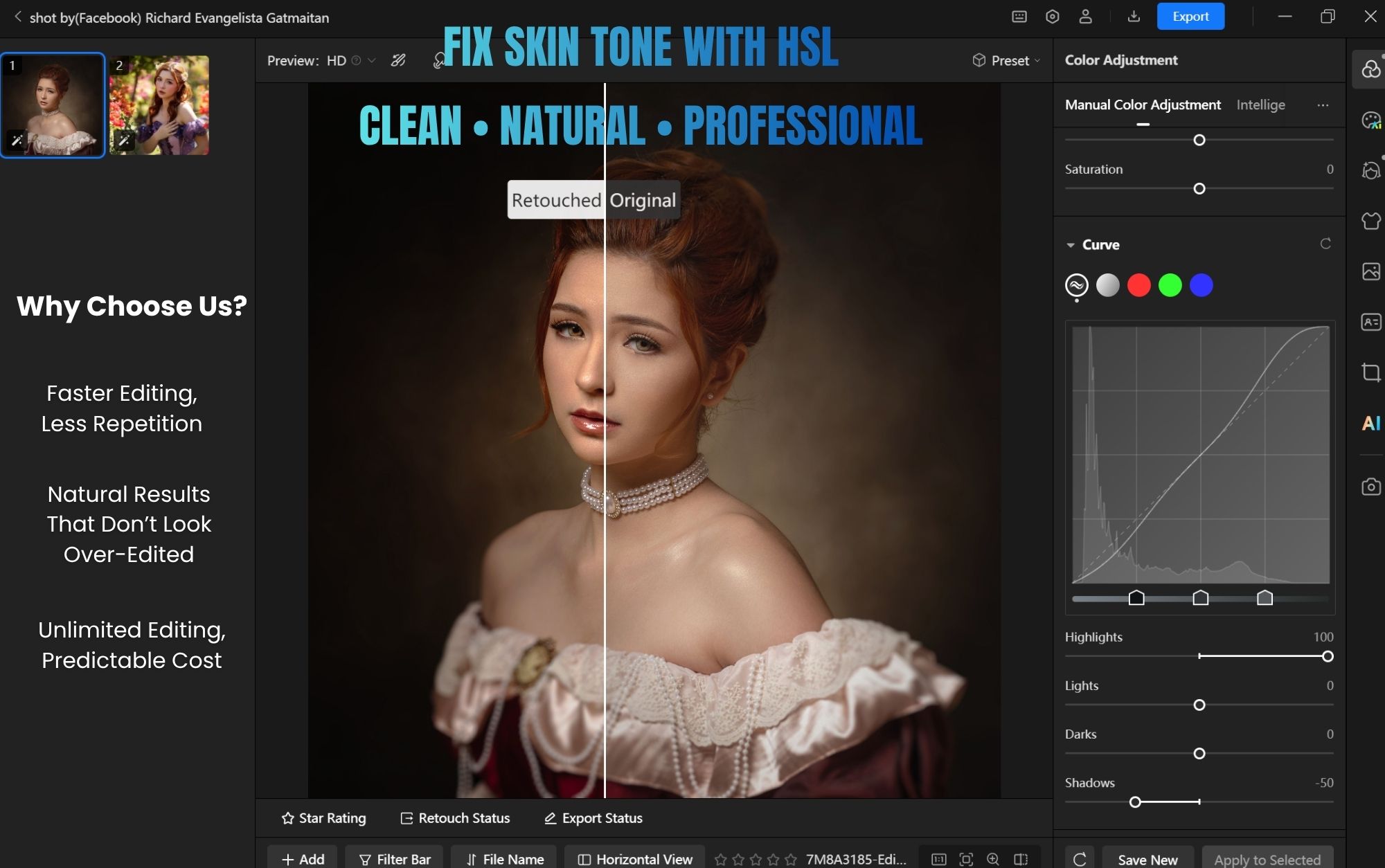
Most Skin Tone Problems Come from One Mistake
Not lighting. Not the camera.
👉 Color control.
If your portraits look:
- too orange
- too red
- too dull or slightly “dirty”
It’s usually because HSL is either ignored… or used incorrectly.
What HSL Actually Does
HSL breaks color into three controls:
- Hue → shifts the color itself
- Saturation → controls intensity
- Luminance → controls brightness
But for portraits, you don’t need everything.
👉 You need orange and red.
That’s where skin lives.
Step 1 — Fix Hue (Color Direction)
This is where you correct unnatural skin tones.
- If skin looks too red → shift red slightly toward orange
- If skin looks too yellow → shift orange slightly toward red
Small adjustments only.
👉 Skin tone breaks very easily.
Step 2 — Control Saturation (Clean vs Dirty)
This is the most common mistake.
People increase saturation to “fix” skin.
It usually makes it worse.
Instead:
- slightly reduce orange saturation → cleaner skin
- adjust red gently → keep natural blood tone
👉 Less saturation = more premium look
Step 3 — Adjust Luminance (Glow Without Overexposure)
This is the secret most beginners miss.
- increase orange luminance → brighter, softer skin
- adjust red luminance → control depth
This creates that:
👉 clean
👉 airy
👉 natural skin finish
The Most Important Rule
HSL is not about pushing sliders.
It’s about balance.
Because:
- more saturation = darker feel
- more brightness = less saturation feel
So every move affects another.
That’s why subtle adjustments always win.
A Simple Skin Tone Workflow
If you want something practical, follow this:
- Adjust hue → fix color direction
- Reduce orange saturation → clean skin
- Increase luminance → soften and brighten
- Fine-tune red → keep natural tone
That’s it.
No complicated steps.
Where Most Tools Slow You Down
Traditional editing tools make HSL feel technical.
You tweak numbers, guess results, then redo everything.
Modern tools like Magimir simplify this:
- faster visual feedback
- better skin tone consistency
- easy batch application
So instead of fixing one photo…
👉 you fix the entire set.
Final Thought
Good skin tone is not about perfection.
It’s about feeling natural.
When HSL is done right:
- skin looks clean
- light feels soft
- color feels real
And most importantly—
👉 it doesn’t look edited