
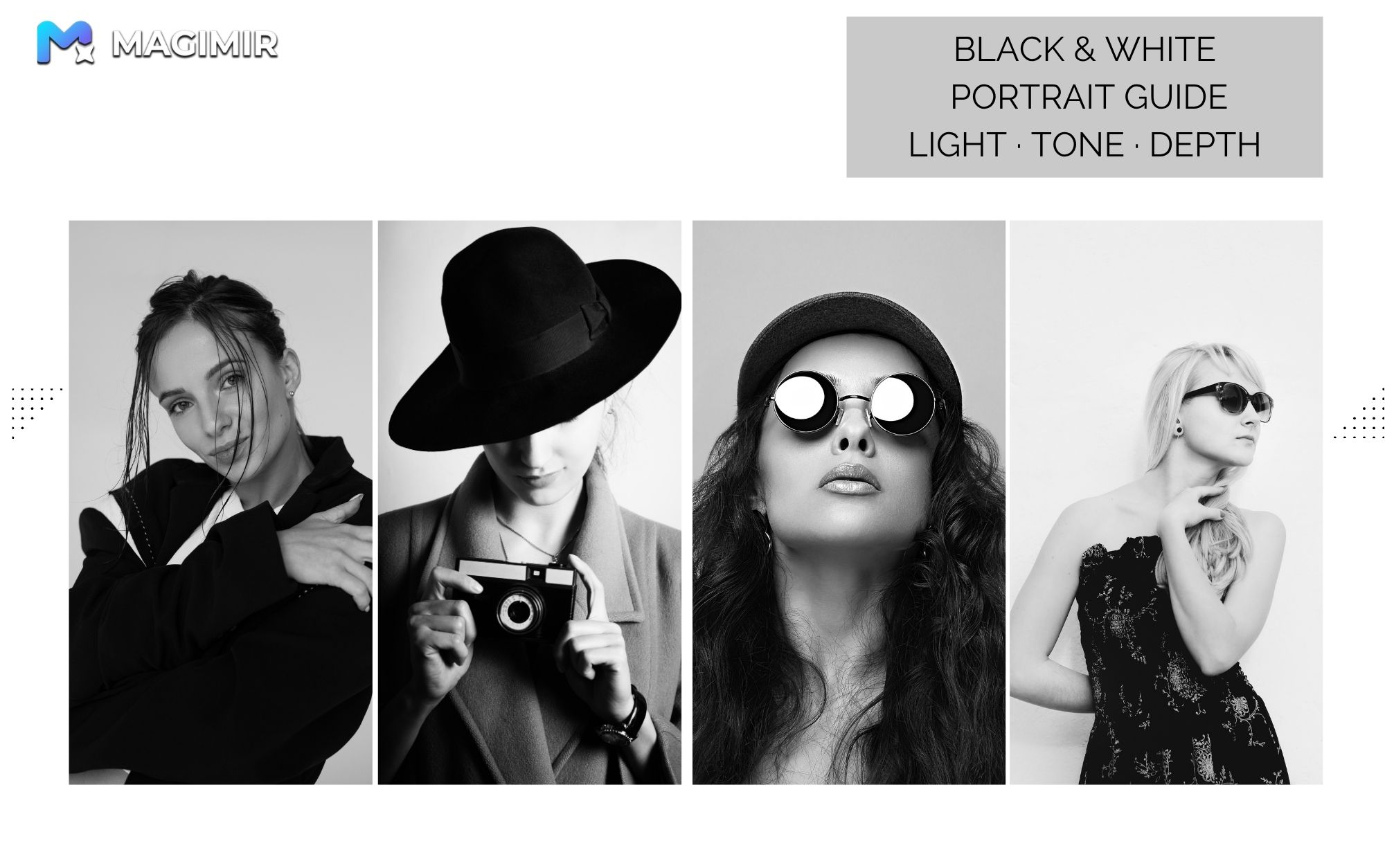
What Black and White Portraits Are Really About
Black and white photography is often misunderstood.
It’s not just about removing color.
If you simply desaturate an image or apply a filter, you’ll usually get:
- flat tones
- muddy skin
- no depth
That’s not black and white photography.
The real essence
Black and white is not the absence of color.
👉 It’s the reconstruction of light and shadow.
By removing color, you remove distraction.
What remains is:
- light
- contrast
- structure
- emotion
That’s where the image comes alive.
The Core Technical Standard: Grayscale Control
Every black and white image is built on grayscale.
From pure black to pure white, you have a full range of tonal values.
Technically, this range includes:
👉 256 levels of gray (0 = pure black, 255 = pure white)
What defines a strong black and white image?
1. Rich midtones
This is where most of the detail lives — especially skin.
- smooth transitions
- natural texture
- no harsh breaks
If midtones are weak, the image feels lifeless.
2. True blacks and true whites
A strong image needs anchors.
- real black → depth
- real white → highlight
Without them, everything turns gray and dull.
3. Separation
The subject must stand apart from the background.
If brightness levels are too similar:
- the subject blends in
- the image loses focus
👉 Contrast creates clarity.
Reshaping Light: The Three Key Principles
Once grayscale is controlled, the next step is shaping light.
1. Subtraction: Remove what doesn’t matter
Darken areas that distract.
- messy backgrounds
- unnecessary details
- competing elements
This simplifies the frame.
👉 Less noise, more focus.
2. Addition: Guide the eye
Brighten what matters.
- eyes
- face
- key expression areas
Especially the central facial triangle.
👉 Light directs attention.
3. Smooth transitions
Avoid harsh edges between light and shadow.
- no sudden jumps
- no unnatural contrast
- keep tonal flow continuous
👉 This is what makes skin feel natural, not “edited”
Where Many Edits Go Wrong
Most black and white portraits fail in the same ways:
- too flat (no contrast)
- too harsh (over-contrasted)
- uneven skin tones
- no separation between subject and background
The problem is not the idea — it’s the execution.
Where Magimir Fits In
Magimir helps simplify this process — without removing control.
Instead of manually rebuilding every tonal adjustment, you can:
- refine skin tones while keeping texture
- enhance light distribution naturally
- maintain consistent grayscale across a set
- avoid over-processing
👉 Especially useful for portrait work where skin and subtle transitions matter most.
Final Thoughts
Black and white photography is not simpler than color.
In many ways, it’s more demanding.
Because once color is gone, everything depends on:
- light
- tone
- structure
When done right, a black and white portrait feels:
- clean
- focused
- timeless