
Best Photo Editing Software for Photographers in 2026
Photography workflows are evolving faster than ever. In 2026, photographers are no longer choosing editing tools based only on creative flexibility — speed, consistency, and scalability have become just as important.
With increasing client expectations, tighter delivery timelines, and higher shooting volumes, selecting the right photo editing software can significantly impact both productivity and business growth.
This guide explores some of the best photo editing software options for photographers in 2026 and how they fit into modern workflows.
What Photographers Need From Editing Software Today
Professional photographers now face several common challenges:
- Editing hundreds or thousands of images per project
- Maintaining consistent skin tones and color grading
- Delivering galleries faster to stay competitive
- Reducing post-production fatigue
- Managing outsourcing costs
As a result, many photographers are moving toward intelligent editing solutions that help automate repetitive adjustments while preserving artistic control.
Adobe Photoshop
Photoshop remains one of the most powerful photo editing tools available.
It is widely used for:
- High-end portrait retouching
- Advanced compositing and manipulation
- Precise layer-based adjustments
- Creative visual production
For photographers working on commercial advertising campaigns or detailed editorial retouching, Photoshop offers unmatched manual control.
However, its learning curve and time-intensive workflows can be challenging when handling large photo volumes.
Adobe Lightroom
Lightroom continues to be a popular choice for photographers focused on color grading and photo organization.
It provides:
- Efficient RAW processing
- Preset synchronization
- Library management tools
- Non-destructive editing workflows
Lightroom is particularly useful for photographers managing travel, landscape, or event photography collections.
Still, complex portrait retouching often requires additional tools or manual refinement.
Magimir
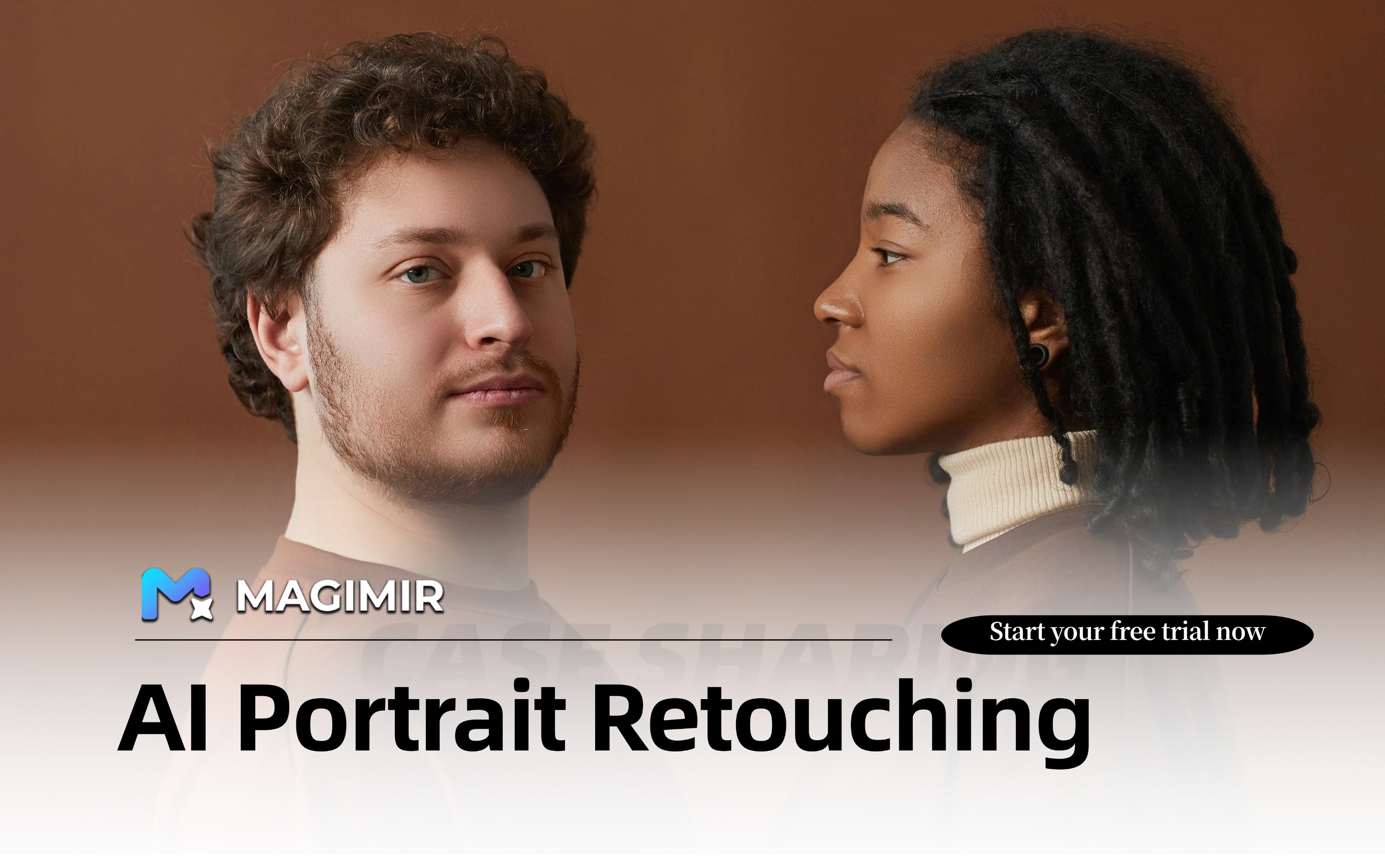
Magimir represents a newer generation of AI-powered photo retouching software designed specifically for portrait and commercial photography workflows.
Its core strength lies in intelligent batch editing and natural portrait enhancement.
Photographers can use Magimir to:
- Apply skin retouching across entire galleries
- Synchronize color grading styles
- Perform subtle body shaping adjustments
- Remove background distractions
- Edit large volumes of RAW images efficiently
For studios delivering wedding albums, family sessions, or school photography packages, workflow speed can improve dramatically.
AI Editing Tools vs Traditional Editing Software
Traditional tools like Photoshop and Lightroom offer maximum flexibility but often require more manual effort.
AI-assisted editing tools focus on:
- Reducing repetitive technical tasks
- Improving consistency across photo sets
- Shortening delivery timelines
- Supporting scalable production pipelines
Many photographers now combine both approaches — using intelligent batch editing tools for baseline adjustments and traditional software for final refinements.
Choosing the Best Software for Your Workflow
The right editing solution depends on your shooting style and business priorities.
You may benefit from Photoshop if:
You focus on high-end commercial retouching
You require advanced compositing tools
You prefer full manual editing control
Lightroom may suit you if:
You prioritize photo organization and RAW color grading
You work with travel or lifestyle photography
You rely heavily on presets and catalog workflows
Magimir may be ideal if:
You handle high-volume portrait projects
You need consistent editing results across sessions
You want to reduce editing time significantly
You aim to scale your photography business efficiently
The Future of Photo Editing in 2026
Photography is becoming more competitive, and editing efficiency is now a key factor in long-term sustainability.
AI-powered tools are not replacing creativity — they are helping photographers spend less time on repetitive adjustments and more time on shooting, storytelling, and client relationships.
Choosing the right photo editing software is no longer just about features. It is about building a smarter workflow that supports both artistic quality and business growth.