
AI Color Grading Online
Transform your photos with professional color grading powered by artificial intelligence. Achieve stunning, consistent color looks instantly.
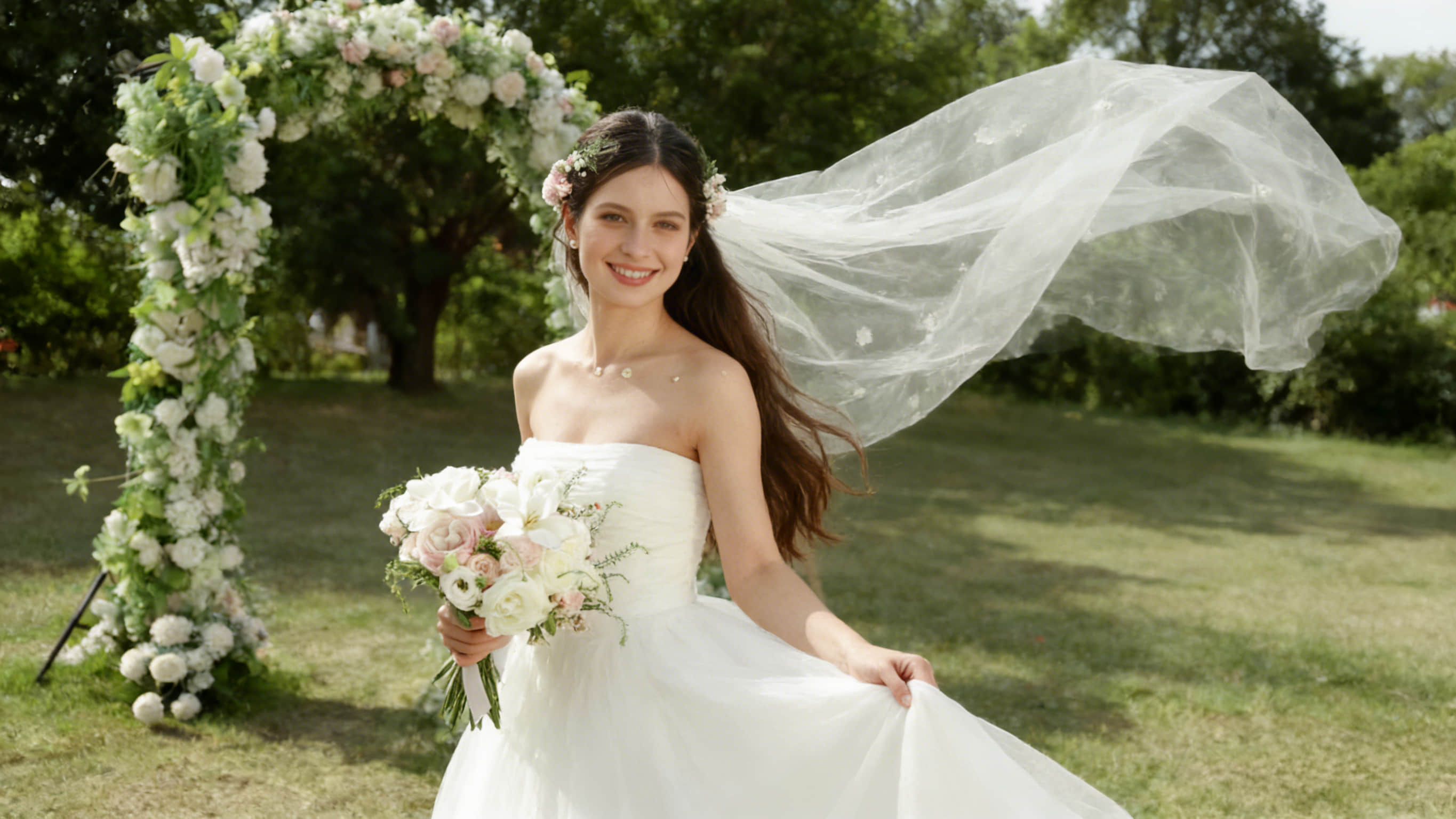
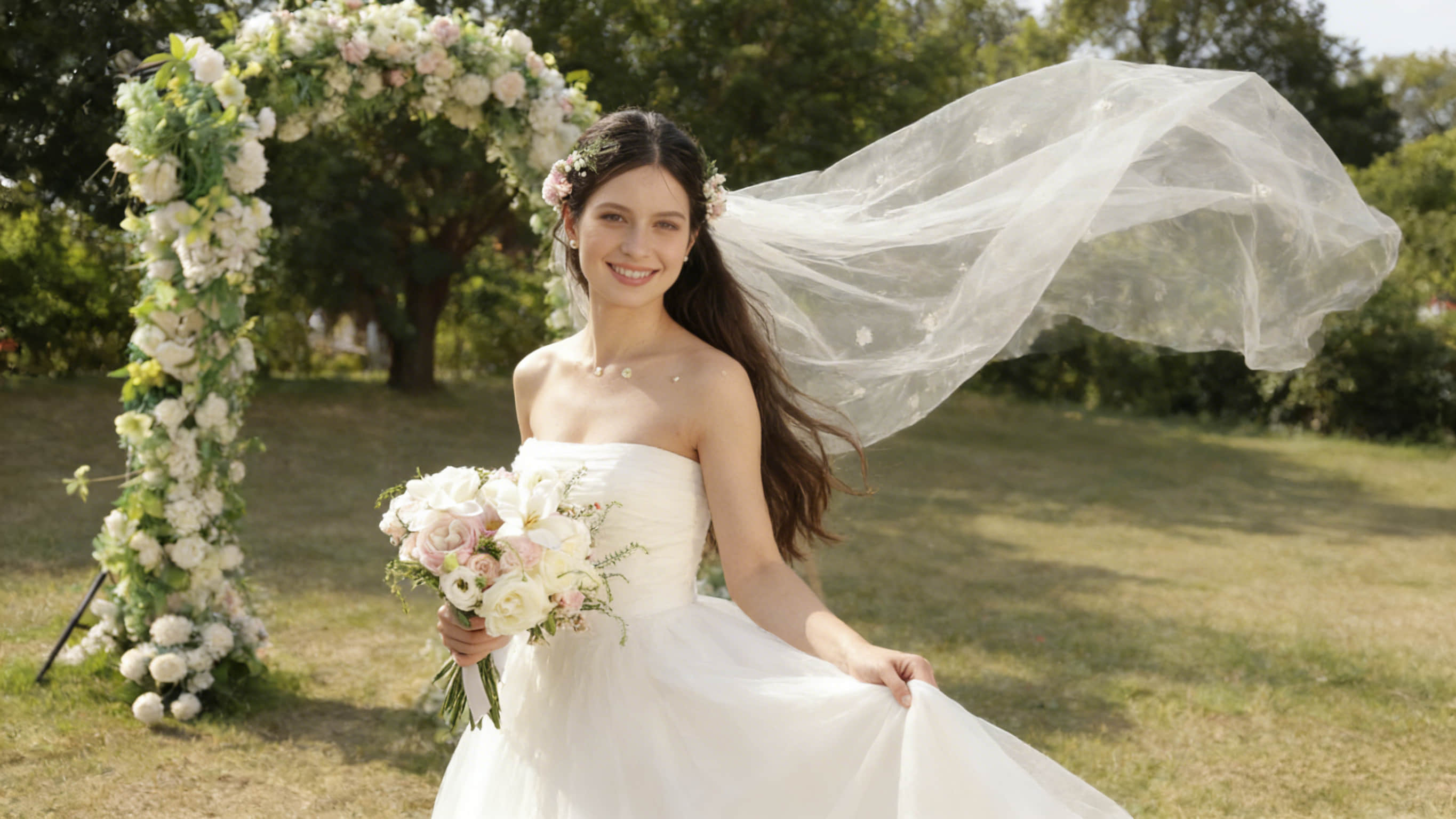
no image? try one of these


select reference
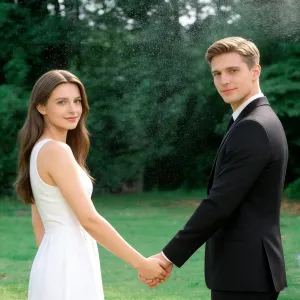
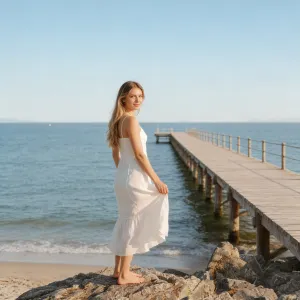

Take Your Color Grading Workflow Further
Discover powerful features designed to streamline your color grading process
AI Color Grading Detection
Capture and apply color styles with AI-powered precision! Detect subjects in a photo and map the colors of corresponding areas to your edit, like portrait skin, hair, lips, and backgrounds. Instantly get a unified and visually appealing aesthetic similar to the reference photo.
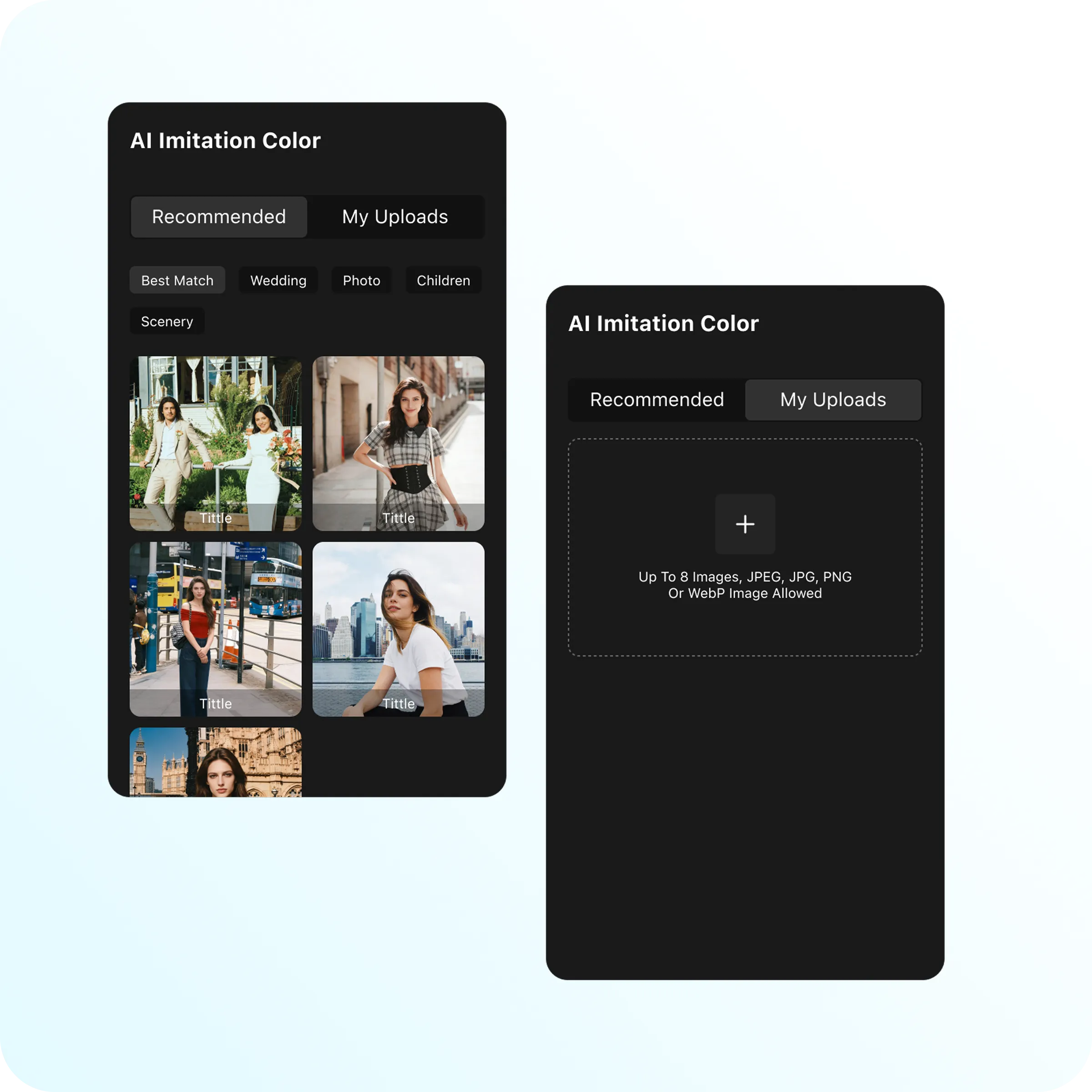
Flexible Image Reference
Import photos with your desired color grades, select any project as a reference, or get trendy color looks from preset sharing. Skip hunting for various preset templates and manual color parameter tweaks. Unlock effortless stylish edits with our AI Color Match solution.
Real-Time Color Correction Preview
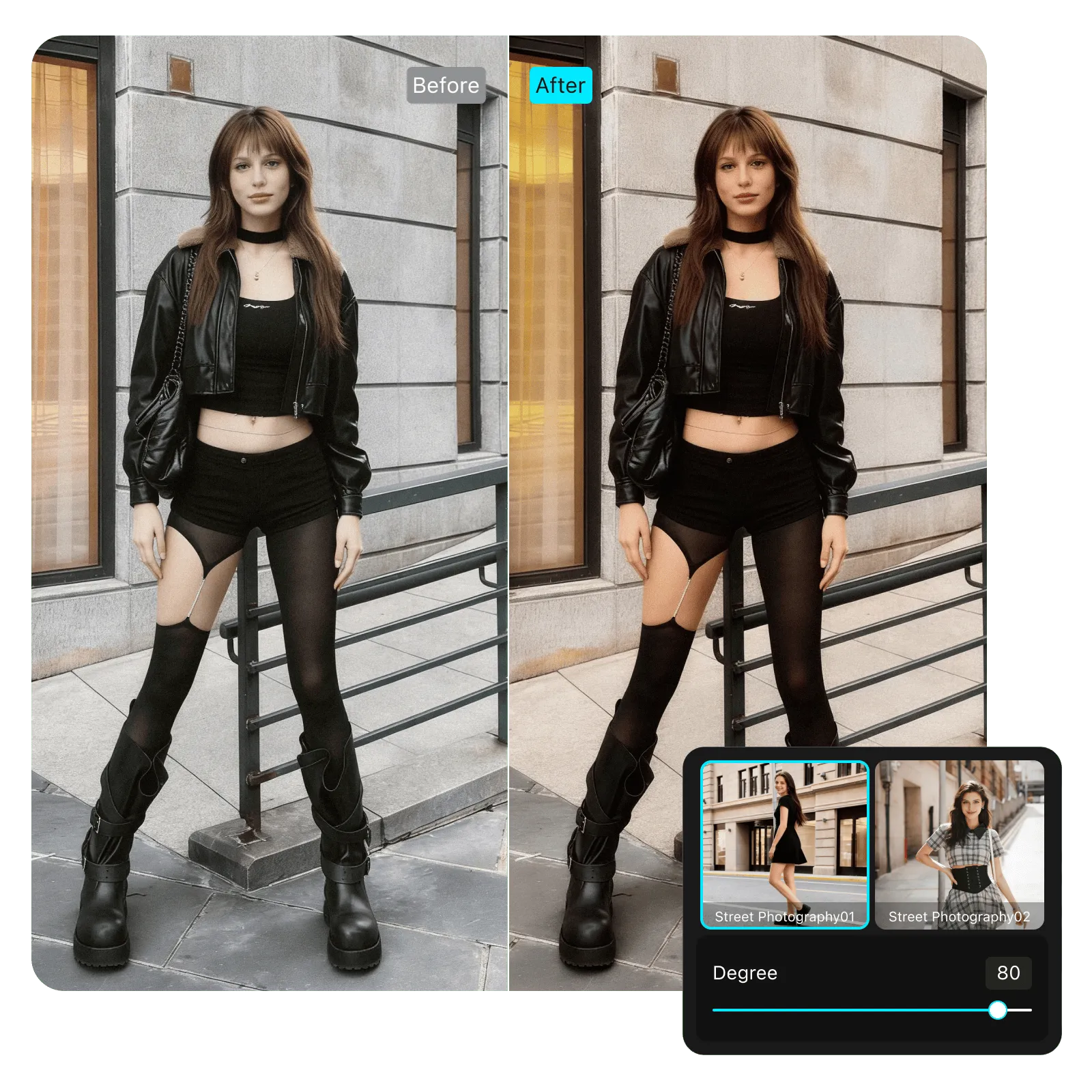
What you see is what you get! Instantly preview the transferred color grading from the reference to the target photo. Compare the color mapping result and the original with a simple side-by-side view, or even change reference images on the fly to experience precise visual impact.
Explore More Highlight Features
Magimir AI Color Matching editor serves diverse industries and creative needs in color grading.
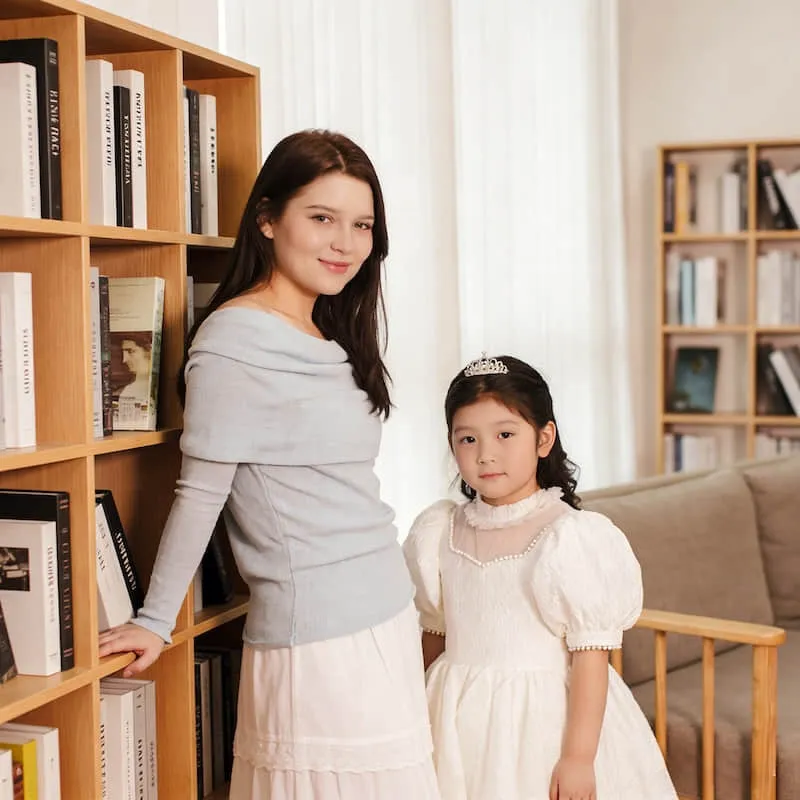
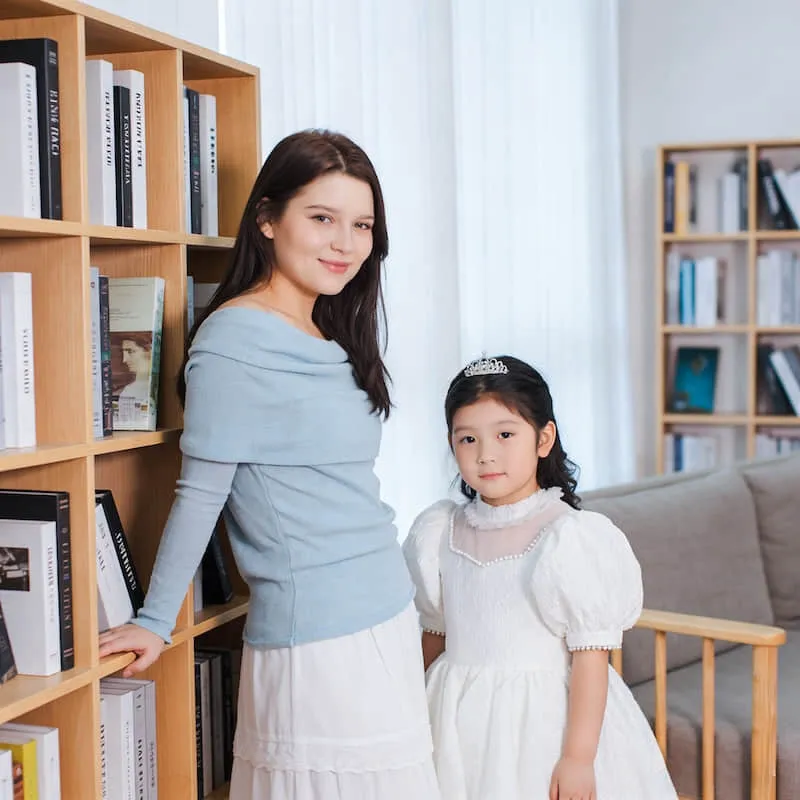

Wedding Photography
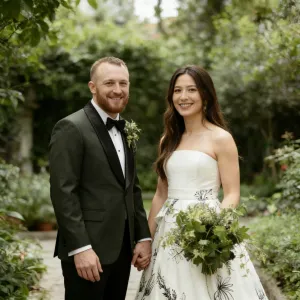
Swiftly match magic color grading to create a fairytale-like tone to newlywed portraits. Map bride's dress, groom's suit, and skin tones precisely. Perfect for wedding photographers and portrait studios to achieve harmonious tones and unified styles in a series of photos.
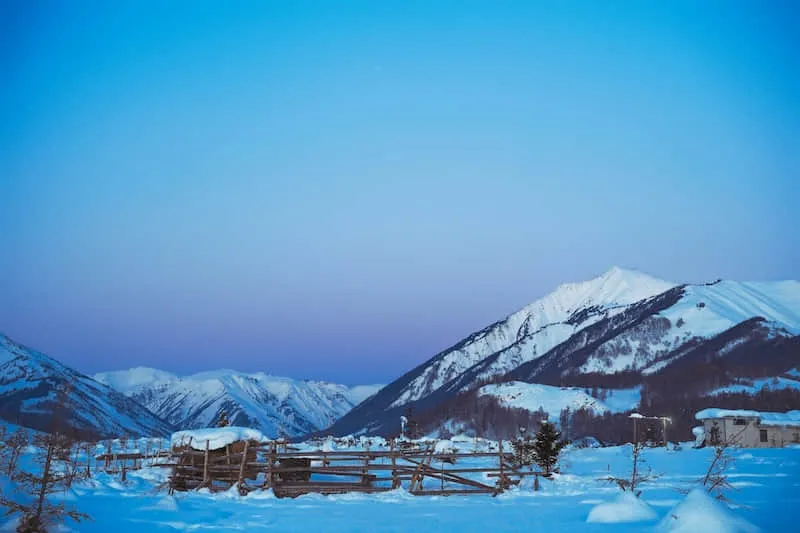
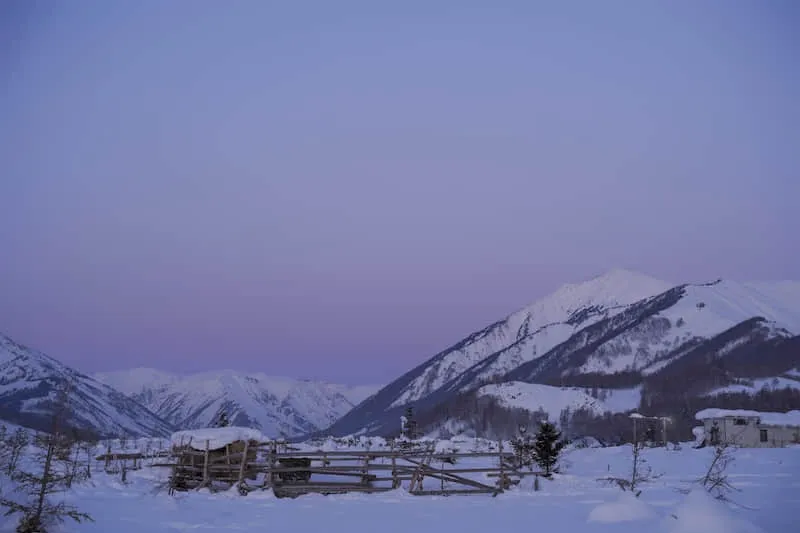
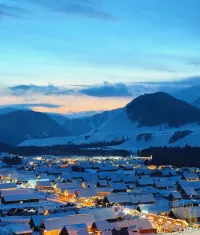
Landscape Photography
Import references with vibrant colors of a sunrise or moody tones of a stormy sky. Transfer alluring local colors to enhance details of mountains, lakes and plants for natural beauty in photography. With professional grade color utility, make your work stand out.
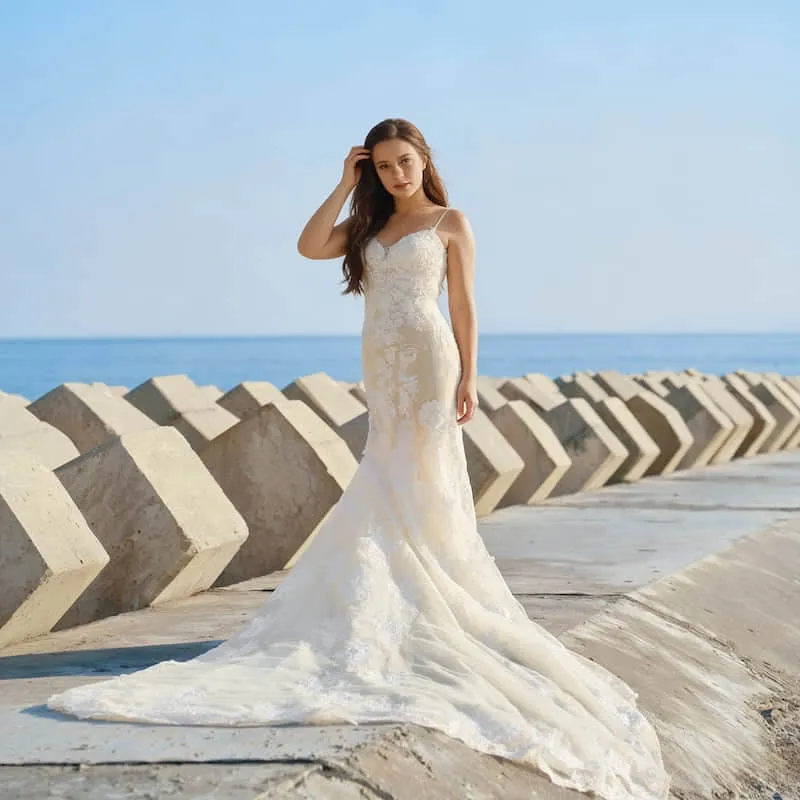
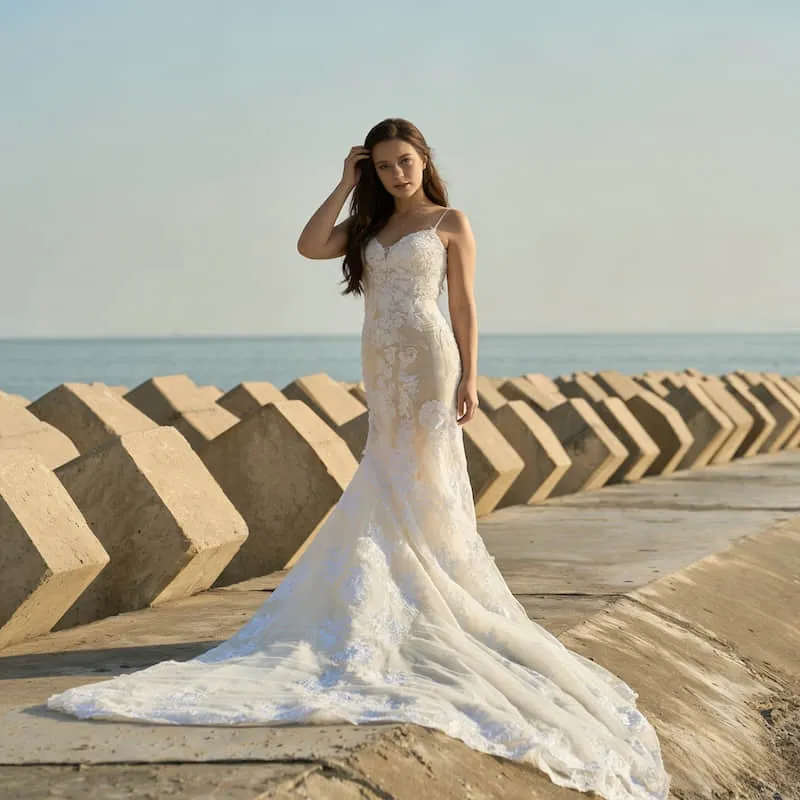

Advertising & Marketing
Get trendy, warm color grades for personal. Capture vivid, eye-catching visuals and batch-edit selfies of the same style genre for a consistent and stylish look. Make photos more engaging and shareable on social media.
Best AI Color Grading Tool to Streamline Workflow
Magimir shines as the ultimate color grading tool with cutting-edge AI image algorithms, and highly effective and friendly editing process.
Advanced AI Color Algorithms
Analyze reference images to identify color tone, contrast structure, lighting balance, and color relationships — forming a precise foundation for accurate color matching.
One-Click Color Match
Instantly apply the color look of a reference photo to your images with one click. No manual curve adjustments or parameter tuning — just reliable and repeatable color matching.
Batch Color Matching
Match colors across entire photo sets in batch using a single reference. Keep visual consistency across weddings, portraits, or commercial projects — even with mixed lighting conditions.
Professional Color Match Workflow
Built for professional workflows on Windows and macOS. Fully supports color matching on RAW files and tethered shooting, with compatibility for RAW, JPG, and JPEG formats.
FAQ
Frequently Asked Questions
What Is AI Color Grading?
Can I Copy Color Grading From Any Reference Photo?
Is This Made For Photographers Or Professional Retouchers?
Does It Work On RAW Files?
Can I Batch Apply The Same Look To A Whole Shoot?
Will The Results Look "Over-Filtered"?
What's The Difference Between Color Match And Presets?
Will Color Match Overwrite My Existing Edits?
Can I Undo Or Reset After Applying AI Color Grading?
Can I Control How Strong The Color Grading Looks?
How To Choose The Best Reference
💡 Same lighting best for natural skin tone matching
🎬 Same style goal → best for cinematic mood
👉 One hero reference → best for batch consistency across the shoot