
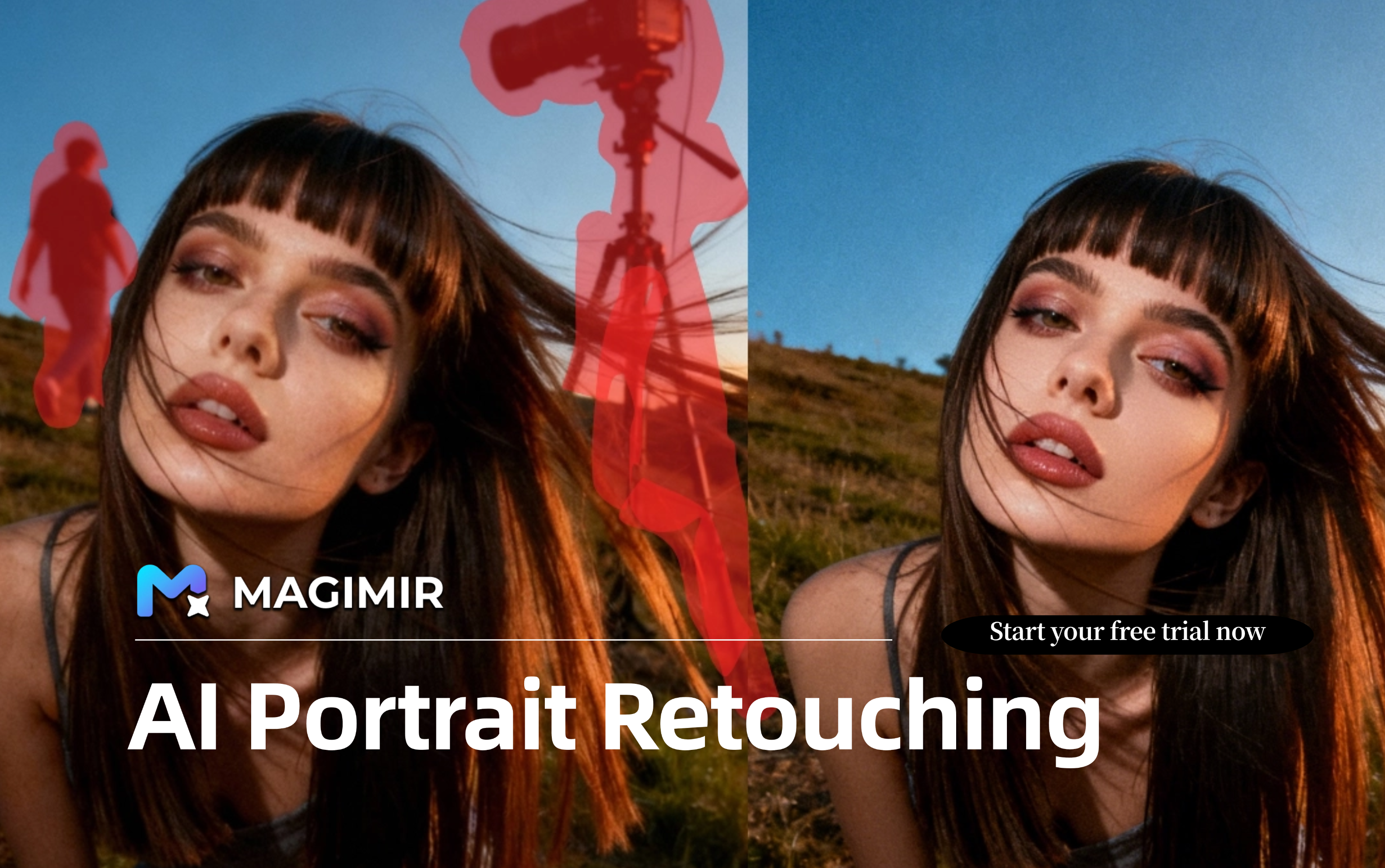
Best AI Portrait Retouching Software
Portrait retouching has always been one of the most time-intensive parts of a photographer’s workflow.
From smoothing skin and balancing tones to refining body proportions and cleaning up distractions, delivering professional portrait images requires both technical skill and patience. When working with large photo sets — such as family sessions, commercial portraits, or studio productions — the editing process can easily take longer than the shoot itself.
In recent years, AI portrait retouching software has started to reshape how photographers approach post-production. Instead of spending hours manually adjusting each image, many professionals are now adopting intelligent editing tools that help them work faster while maintaining natural results.
But what makes the best AI portrait retouching software? And how can it improve real-world photography workflows?
Why Portrait Retouching Needs a Smarter Workflow
Traditional portrait editing often involves multiple layered adjustments.
Photographers typically need to:
Smooth skin while preserving natural texture
Remove blemishes and reduce uneven tones
Adjust facial proportions subtly
Enhance eyes and facial highlights
Balance lighting and color grading
Remove distracting background elements
These steps demand experience and attention to detail. When repeated across hundreds of images, they can become physically and mentally exhausting.
During busy seasons, photographers may feel pressured to choose between speed and quality — a compromise that can affect both client satisfaction and long-term brand perception.
This is where intelligent portrait retouching workflows begin to make a real difference.
What to Look for in the Best AI Portrait Retouching Software
Not all automated editing tools are created equal. The best AI portrait retouching software should support professional needs rather than simply applying aggressive beauty filters.
Key factors to consider include:
Natural Skin Retouching
Over-smoothed skin can make portraits look artificial. Professional retouching software should enhance skin quality while maintaining visible pores, realistic highlights, and subtle tonal variation.
Intelligent Facial Structure Recognition
Accurate detection of facial landmarks allows for more precise adjustments in face slimming, eye enhancement, and contour refinement.
Consistent Batch Editing
Portrait photographers often need to apply similar adjustments across entire sessions. Batch editing features help maintain a unified style while reducing repetitive work.
Flexible Color Grading
Portrait styles vary widely — from soft and natural looks to cinematic or high-contrast aesthetics. Good software should allow both preset-based and manual color adjustments.
Workflow Efficiency
Fast preview rendering, reliable export performance, and RAW workflow compatibility all contribute to a smoother editing experience.
How AI Portrait Retouching Software Improves Productivity
One of the biggest advantages of intelligent editing tools is their ability to automate repetitive technical tasks.
Instead of manually correcting each image, photographers can:
- Apply base retouching adjustments in seconds
- Synchronize editing styles across multiple photos
- Focus more time on creative selection and storytelling
- Deliver galleries faster
For photographers managing high client volumes, this shift can significantly reduce post-production pressure.
A Practical Example: Using Magimir for Portrait Retouching
Magimir is designed with professional portrait workflows in mind. Its intelligent retouching system analyzes facial structure, lighting conditions, and skin texture before applying enhancements.
Magimir is designed with professional portrait workflows in mind. Its intelligent retouching system analyzes facial structure, lighting conditions, and skin texture before applying enhancements.
This helps maintain natural results while improving overall image quality.
This helps maintain natural results while improving overall image quality.
Photographers can use Magimir to:
- Smooth skin and balance tones across large photo sets
- Apply subtle body shaping adjustments
- Enhance eyes and facial highlights
- Remove background distractions
- Synchronize color grading styles
Because adjustments can be applied in batch mode, editing time can be reduced dramatically compared to fully manual workflows.
Balancing Speed and Artistic Control
A common concern about AI editing tools is the potential loss of creative control. However, many photographers find that intelligent software works best when used as a foundation rather than a replacement for manual refinement.
By automating baseline adjustments, photographers can reserve their energy for fine-tuning hero images or developing signature styles.
This hybrid workflow allows professionals to maintain artistic direction while improving efficiency.
The Future of Portrait Retouching
As photography businesses continue to scale, editing efficiency is becoming just as important as shooting technique.
Clients expect faster delivery times and consistent quality across entire galleries. Studios that adopt smarter post-production workflows are often better positioned to handle higher booking volumes and seasonal demand.
AI portrait retouching software is not about replacing human creativity — it is about supporting photographers in managing time, maintaining standards, and building sustainable workflows.
Choosing the Right Tool for Your Workflow
Ultimately, the best AI portrait retouching software depends on your shooting style, project volume, and editing preferences.
If your workflow involves large portrait sessions, tight delivery timelines, and the need for consistent visual output, intelligent batch editing solutions can make a significant difference.
Tools like Magimir offer a balanced approach — combining automation with flexibility — helping photographers work faster without compromising the natural feel of their images.