
Magimir iPad Version Is Here: Professional AI Retouching, Now in Your Hands
For photographers, the shooting process is becoming faster and more mobile.
But one problem has always remained:
After the shoot, editing still keeps you tied to your computer.
You may finish a portrait session, wedding shoot, or outdoor project, but the real work begins afterward — selecting photos, adjusting colors, retouching skin, fixing details, and preparing images for delivery.
We always believed professional photo editing should not be limited by where you work.
That is why we are excited to announce:
Magimir iPad Version Is Officially Released
Now photographers can bring professional AI retouching directly to iPad.
Shoot anywhere. Review anywhere. Retouch anywhere.
Magimir is no longer only a desktop editing solution — it is becoming a more flexible workflow tool for photographers.
A Complete Mobile Retouching Workflow
The new Magimir iPad version is designed for photographers who need speed, flexibility, and professional results.
Whether you are working in a studio, shooting weddings, traveling, or creating content on location, iPad gives you a lighter and faster way to continue your editing workflow.
With Magimir iPad, you can:
✓ Import photos directly
✓ Apply professional presets
✓ Adjust portrait details
✓ Use AI-powered retouching tools
✓ Compare before and after results
✓ Export finished images faster
Your editing workflow is no longer restricted to a desktop environment.
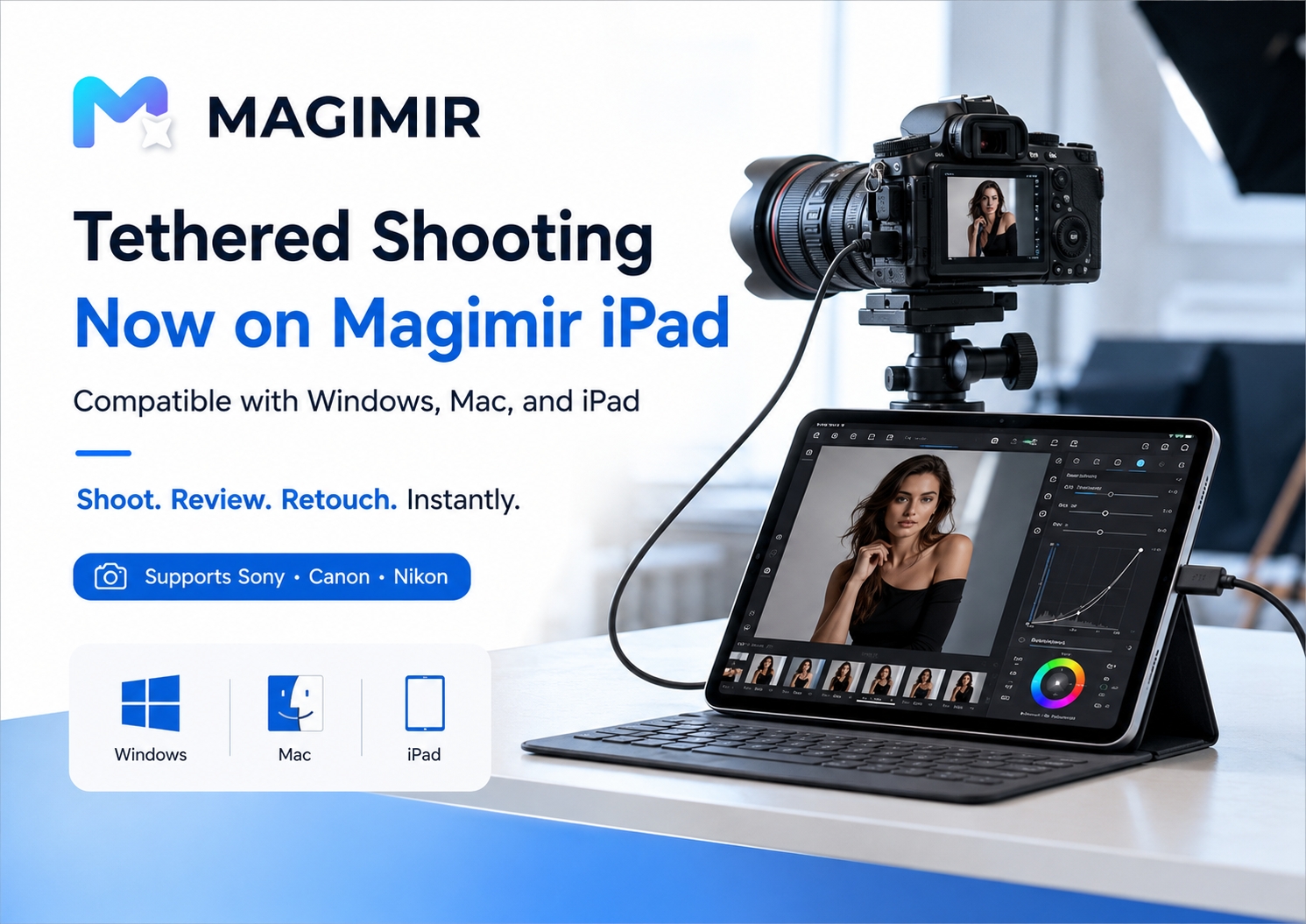
Tethered Shooting: Shoot and Retouch Instantly
One of the biggest updates is Tethered Shooting support.
Magimir iPad now supports direct camera connection with:
📷 Sony
📷 Canon
📷 Nikon
Compatible with:
- Windows
- Mac
- iPad
The workflow becomes:
Camera → iPad → Magimir → Retouched Preview
After capturing a photo, the image can be transferred directly into Magimir for quick preview and editing.
This is especially useful for:
- Studio portrait photography
- Fashion shoots
- Commercial photography
- Wedding preparation sessions
- On-site client previews
Instead of waiting until returning to the computer, photographers can immediately review and adjust their images during the shooting process.
New Features in Magimir iPad v1.0.6
The latest update brings more powerful editing capabilities.
Preset Sharing
Create your own editing style and share it with others.
Simply:
- Create your favorite adjustment style
- Generate a preset code
- Share it with friends or teammates
- Copy and apply the same look instantly
This makes style consistency much easier for:
- Photography teams
- Studio workflows
- Creative collaborations
AI Background Beautification
Improve backgrounds while keeping the subject natural.
Perfect for:
- Outdoor portraits
- Travel photography
- Lifestyle photography
Smart Body Sculpt
Fine-tune body proportions naturally.
Designed to maintain realistic shapes while improving overall portrait balance.
Smart Face Reshape
Make subtle facial adjustments while preserving identity.
The goal is not changing people.
It is helping photographers create more balanced portraits.
Clothing Smoothing
Quickly improve clothing details and reduce unwanted wrinkles.
Useful for:
- Wedding photography
- Portrait sessions
- Studio shoots
Double Chin Contour & Underarm Refinement
Small details often affect the final portrait quality.
Magimir iPad helps photographers handle these common retouching needs faster while keeping results natural.
Built for Photographers Who Need Speed
Professional photographers know:
The challenge is not editing one perfect photo.
The challenge is maintaining consistent quality across hundreds or thousands of images.
That is why Magimir focuses on:
Fast workflow + natural results + batch efficiency
From individual portraits to large wedding collections, Magimir helps photographers spend less time repeating manual adjustments and more time focusing on creativity.
Why iPad Matters for Photography Workflows
The future of photography is becoming more mobile.
Photographers are no longer working only inside studios.
They are shooting:
- Destination weddings
- Outdoor portraits
- Events
- Travel projects
- Commercial campaigns
A lightweight editing workflow allows creators to move faster.
With Magimir iPad, professional retouching can happen closer to the moment of capture.
Available Now on the App Store
Magimir iPad Version is now available.
Update to the latest version and experience a faster, smarter, more flexible retouching workflow.
Shoot. Review. Retouch.
Instantly.
Magimir — Empowering photographers with smarter AI retouching tools.