
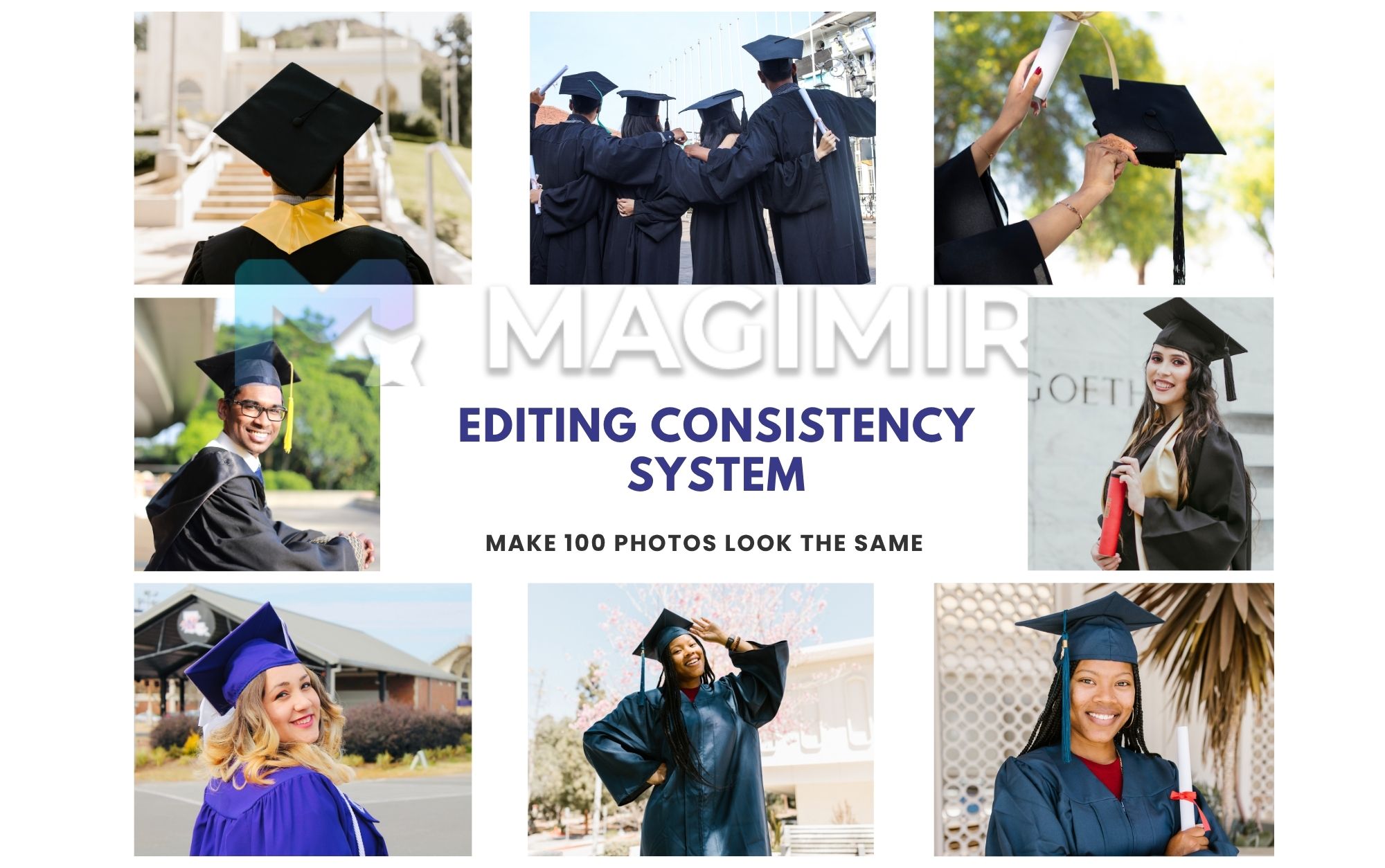
Editing Consistency System
Most photographers don’t struggle with editing a single image.
They struggle with editing a full set.
You finish one photo and it looks great. Then you move to the next — and somehow, it feels different.
The skin tone shifts slightly
The contrast feels off
The mood isn’t quite the same
By the time you’re 50 photos in, you realize the set doesn’t feel cohesive anymore.
That’s where consistency becomes the real challenge.
Why Consistency Is Harder Than It Looks
Consistency isn’t about copying settings.
It’s about maintaining a feeling across images taken under slightly different conditions.
Even in the same session, you’ll deal with:
small lighting changes
subtle exposure differences
variations in skin tone
over-editing
shifts in composition
Trying to fix these one by one usually leads to:
visual mismatch
unnecessary time spent
Step 1 — Define Your “Base Look”
Before editing anything, decide what the set should feel like.
Ask yourself:
Is this warm or neutral?
Soft or contrasty?
Clean or cinematic?
Pick one image that represents that feeling best.
This becomes your reference frame.
Everything else should move toward it — not away from it.
Step 2 — Normalize Before You Stylize
One of the most common mistakes is applying style too early.
Before adding any look, make sure every image is technically aligned:
exposure
white balance
overall brightness
If these aren’t consistent, no preset or color style will fix the problem.
Once the base is stable, style becomes much easier to apply.
Step 3 — Keep Skin Tones Grounded
Skin tone is where inconsistency shows up first.
Even small shifts can make a gallery feel uneven.
Instead of pushing skin too far:
keep tones natural
avoid over-saturation
maintain smooth transitions
When skin looks believable across all images, the entire set feels more cohesive.
Step 4 — Work in Batches, Not Individually
Editing one image at a time feels precise — but it often breaks consistency.
Working in batches helps you:
apply the same logic across multiple images
avoid drifting style
save time
The goal isn’t identical images. It’s aligned images.
This is also why many photographers now rely on workflows that allow adjustments to be applied across groups, rather than rebuilding each image from scratch.
Step 5 — Adjust Groups, Not Single Frames
Instead of jumping between random photos, edit in small groups:
similar lighting
similar angles
similar scenes
This makes it easier to maintain rhythm.
Your eyes adapt to the look, and your adjustments stay more consistent.
Step 6 — Review the Set as a Whole
Consistency can’t be judged one image at a time.
Zoom out.
Look at:
10 images together
then the full set
Ask:
1.Does anything feel out of place?
2.Does one image break the mood?
Often, fixing one or two images is enough to restore balance.
Step 7 — Avoid Over-Correcting
The more you try to “perfect” each image, the more inconsistent the set becomes.
Small imperfections are fine.
In fact, they help maintain a natural feel.
Consistency comes from restraint — not from pushing every slider further.
From Manual Workflow to Scalable System
When you’re editing 100+ images, consistency isn’t just an artistic problem — it’s a workflow problem.
This is why more photographers are building systems that allow them to:
define a base look once
refine only where needed
Tools like Magimir are designed around this idea — helping photographers maintain consistent skin tones, lighting, and color grading across entire sessions without having to rebuild each image manually.
Final Thoughts
Consistency isn’t about making every image identical.
It’s about making them feel like they belong together.
A strong set of images should feel:
1.calm
2.intentional
3.unified
When that happens, viewers stop noticing individual edits — and start experiencing the story as a whole.