
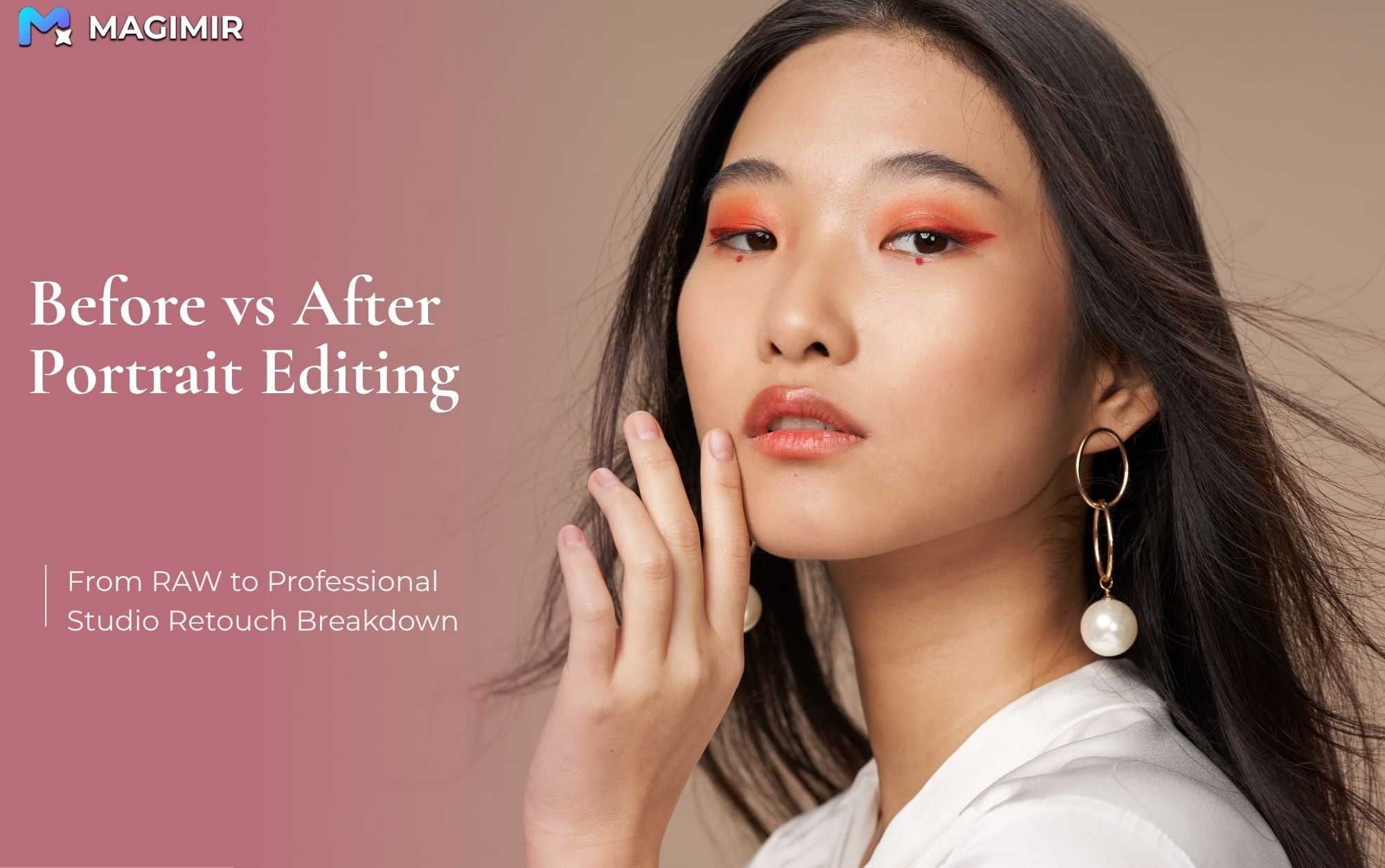
Studio Portrait Editing Before and After
If you’ve ever looked at your photos straight out of the camera and thought, “this doesn’t look like what I imagined,” you’re not alone.
Even in a controlled studio environment, RAW images often feel:
flat
slightly dull
lacking depth
not quite “finished”
And that’s completely normal.
A strong portrait is rarely about what comes out of the camera. It’s about what happens next — quietly, carefully, and often subtly.
Let’s break down what actually changes between a before and after portrait, and why those changes matter.
What a “Before” Image Really Is
A RAW portrait isn’t unfinished — it’s unprocessed.
It holds:
full dynamic range
neutral color information
untouched skin texture
flexible exposure data
But visually, it can feel underwhelming.
Skin may look uneven. Colors may feel slightly off. Light may not have the depth you remember when shooting.
That gap between what you saw and what you get — that’s where editing begins.
1. Bringing Back Light and Depth
The first step is rarely dramatic. In fact, the best edits almost never are.
You start by shaping the image so it feels closer to how the moment actually looked.
lifting shadows just enough
controlling highlights so they don’t feel harsh
gently adding contrast to restore depth
When done right, the image doesn’t look “edited.” It just feels clearer — more intentional.
2. Skin Retouching That Still Feels Human
This is where many portraits either come alive — or fall apart.
Before editing, you might notice:
small blemishes
subtle texture inconsistencies
After editing, those distractions are reduced. But the key is what remains.
Good retouching keeps:
natural skin texture
pores
light transitions across the face
Because once skin looks too smooth, it stops looking like skin.
A lot of photographers today are moving toward tools that help maintain this balance — clean, but still real.
3. Small Adjustments That Change Everything
Some of the most impactful changes are barely noticeable on their own.
a slightly more balanced jawline
a subtle correction in posture
a tiny shift in how the face sits within the frame
Individually, these changes are small. Together, they make the portrait feel more composed.
The goal isn’t to change the person — it’s to remove what distracts from them.
4. Color Is Where the Mood Happens
If light builds structure, color builds emotion.
Before editing, tones can feel:
slightly inconsistent
too warm or too cold
disconnected from each other
Afterward, everything sits together.
Skin tones feel natural. Background and subject feel connected. The image has a clear mood.
This is especially important in studio work, where consistency defines your style.
5. The Final Image Feels… Effortless
The best edited portraits don’t look heavily edited.
They feel:
calm
balanced
natural
complete
There’s no single adjustment that stands out. Instead, everything works quietly together.
And that’s usually the difference between a photo that looks “fine” and one that feels professional.
Why This Matters More Than You Think
Understanding before-and-after isn’t just about editing.
It changes how you shoot.
You start to:
see light more clearly
anticipate how tones will behave
shoot with the final image in mind
And when you’re working with large sets — like studio sessions or client galleries — this understanding becomes even more important.
Because consistency is what clients actually notice.
From One Image to a Full Workflow
Breaking down one image is helpful. But in reality, you’re rarely editing just one.
You’re editing:
200
50
sometimes 500+ photos
And that’s where things get difficult.
Keeping the same:
skin tone
color balance
overall feel
across an entire set is where many workflows start to slow down.
This is also why more photographers are moving toward workflows that combine:
consistency
speed
natural results
Tools like Magimir are built around this idea — not to replace the photographer’s eye, but to make consistency easier to maintain across a full session.
Final Thoughts
A good portrait isn’t about dramatic transformation.
It’s about clarity.
removing distractions
refining what’s already there
keeping what makes the image feel alive
Before and after comparisons aren’t about proving how much you can change.
They’re about showing how little you need to change when you understand what actually matters.