
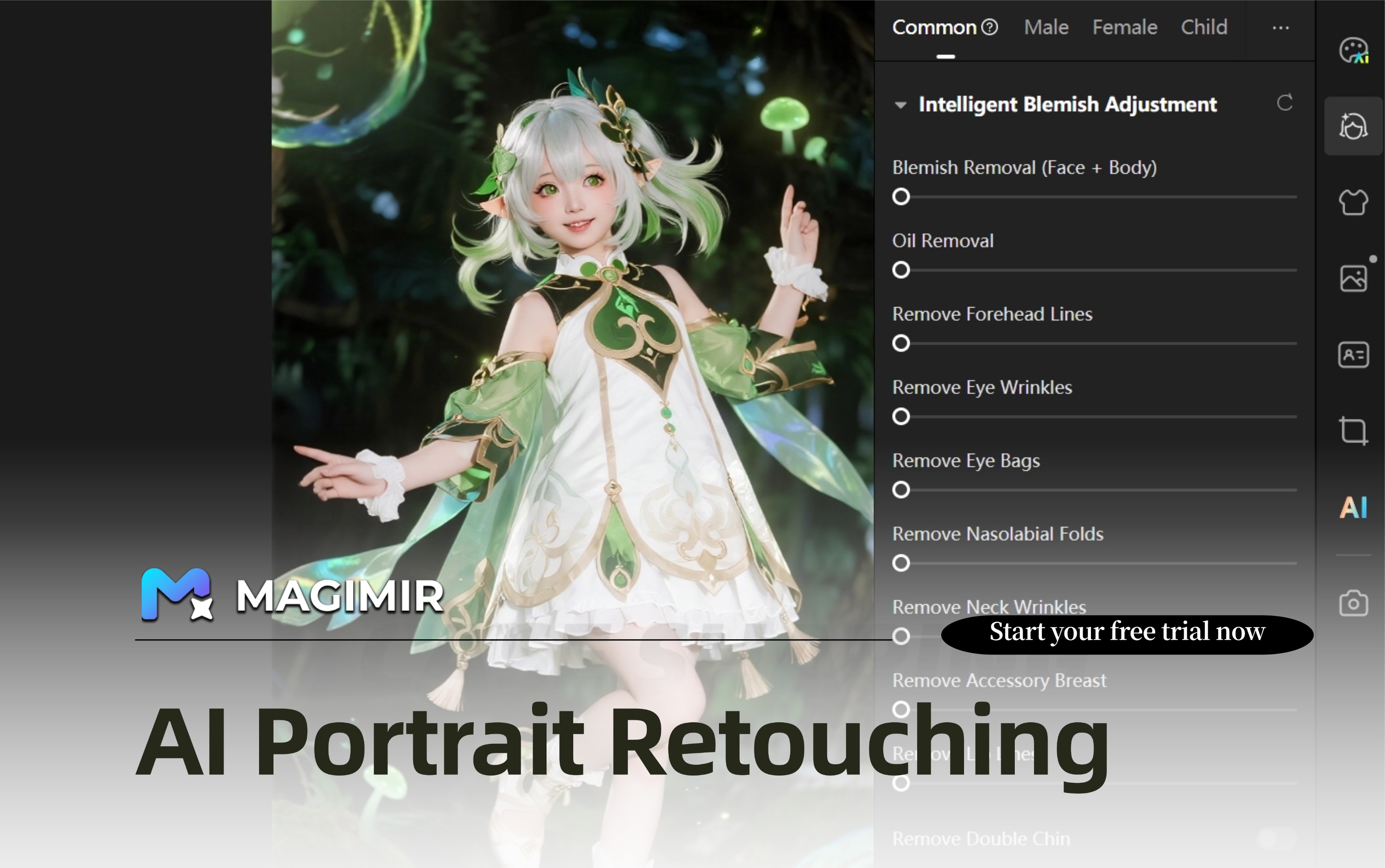
Best Photoshop Alternative for Portrait Photographers
For many portrait photographers, Adobe Photoshop has long been considered an essential part of the editing workflow. From frequency separation skin retouching to advanced compositing, Photoshop offers an unmatched level of control.
However, as shooting volumes increase and delivery expectations become tighter, many photographers are starting to look for Photoshop alternatives that can help them edit faster without sacrificing quality.
In 2026, the conversation is no longer about whether Photoshop is powerful — it clearly is. The real question is whether manual editing workflows are sustainable for high-volume portrait production.
Why Portrait Photographers Are Looking Beyond Photoshop
Editing portrait photos manually can be incredibly time-consuming.
Photographers often need to:
- Retouch skin while preserving natural texture
- Adjust body proportions subtly
- Balance exposure and color tones
- Remove background distractions
- Maintain consistency across large galleries
While Photoshop provides tools for all of these tasks, each adjustment typically requires multiple steps.
During peak shooting seasons — such as wedding months or graduation portrait sessions — photographers may spend more time editing than shooting.
This is why many professionals are exploring AI-powered photo editing software that can automate repetitive adjustments while still allowing creative refinement.
What Makes a Good Photoshop Alternative
Not every editing tool can replace Photoshop in a professional workflow. The best alternatives should offer:
Intelligent Retouching
Automated skin smoothing, facial enhancement, and body shaping tools that maintain realistic results.
Batch Editing Capabilities
The ability to synchronize adjustments across hundreds of images is essential for portrait sessions and studio production.
Natural Color Grading
Flexible color tools that allow photographers to maintain brand consistency and artistic style.
Workflow Efficiency
Fast preview rendering, reliable export performance, and RAW file compatibility all contribute to a smoother editing process.
How Magimir Fits Into a Modern Portrait Editing Workflow
Magimir is designed specifically for photographers who handle large volumes of portrait images.
Instead of building edits layer by layer, photographers can apply intelligent adjustments across entire photo sets.
Typical use cases include:
- Batch skin retouching for family sessions
- Consistent color grading for wedding galleries
- Subtle body shaping across similar poses
- Background cleanup for outdoor portrait shoots
This approach allows photographers to complete baseline retouching quickly and focus more on refining key images.
Balancing Automation and Creative Control
One of the biggest concerns when switching from Photoshop to AI editing tools is losing creative flexibility.
In practice, many photographers use a hybrid workflow.
They rely on intelligent editing software for repetitive adjustments and then use Photoshop selectively for advanced refinements or compositing work.
This combination can significantly reduce editing time while maintaining high-end visual quality.
When to Choose a Photoshop Alternative
A Photoshop alternative like Magimir may be worth considering if you:
- Deliver large portrait galleries regularly
- Want to reduce editing hours without lowering standards
- Need consistent results across sessions
- Aim to scale your photography business
As portrait photography continues to evolve, adopting more efficient editing workflows is becoming a competitive advantage.