
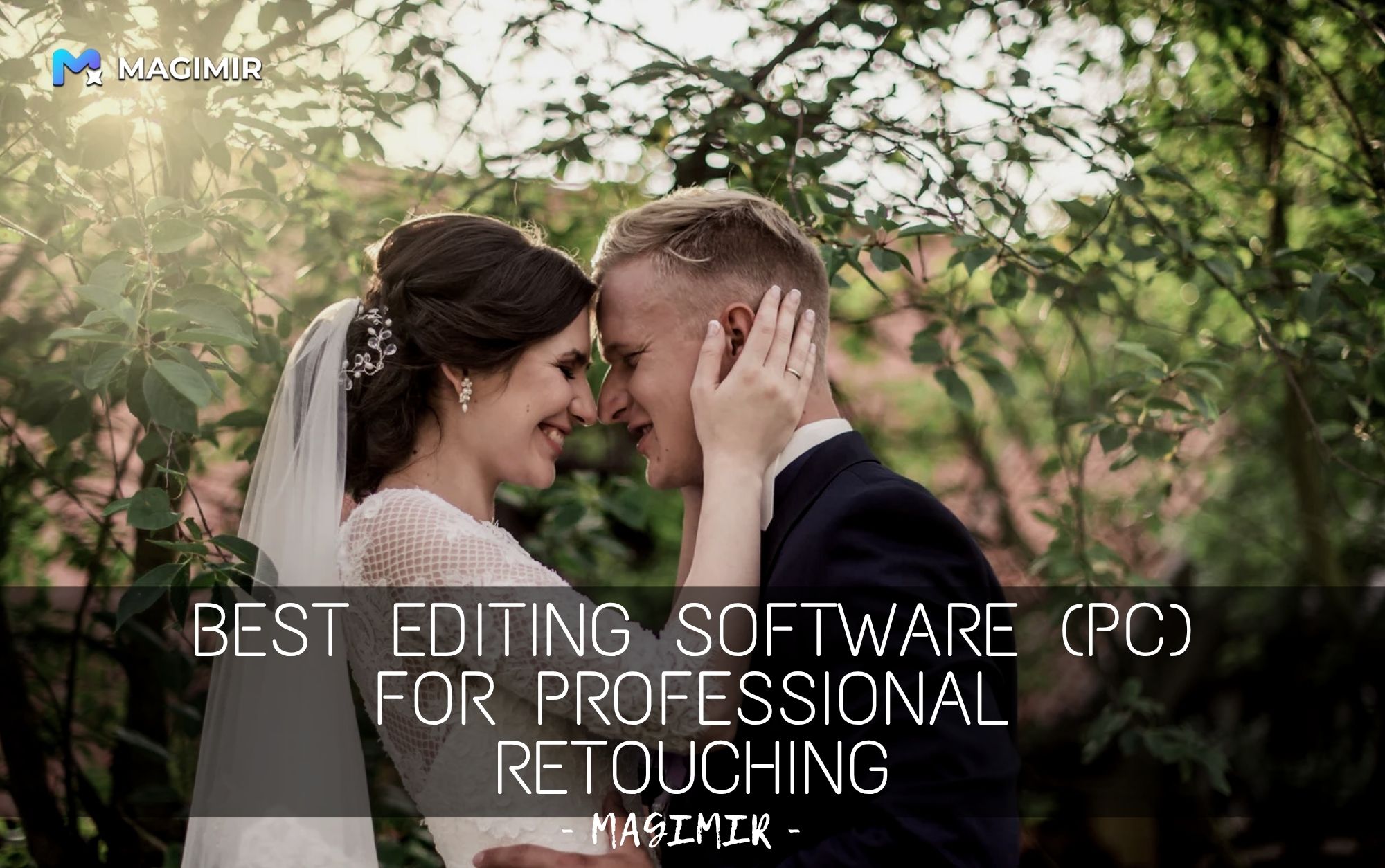
Best Photo Editing Software for Professional Retouching on PC
If you work in commercial photography, you already know this:
Editing is not just part of the job — it’s where most of the time goes.
Whether you’re a:
- photographer
- retoucher
- studio team
the real challenge is not how to edit one photo — but how to edit hundreds of photos efficiently and consistently.
What Actually Matters in Commercial Retouching
When choosing software for professional work, features alone are not enough.
What matters more is workflow.
In real-world projects, you need:
- speed
- consistency
- natural results
- scalability
Because clients don’t just look at one image. They look at the whole set.
Traditional Tools: Powerful, But Time-Consuming
Software like Photoshop and Lightroom are still widely used.
They offer:
- full manual control
- precise adjustments
- advanced editing tools
But they also require:
- step-by-step editing
- repeated adjustments
- constant attention to consistency
This works — but becomes difficult at scale.
The Shift Toward Faster Workflows
As shooting volume increases, more professionals are moving toward tools that support:
- batch editing
- consistent color across sets
- natural retouching without rebuilding each image
This doesn’t replace skill — it removes repetition.
Where Magimir Fits In
Magimir is designed specifically for this kind of workflow.
Instead of focusing only on individual edits, it helps you manage the entire set.
You can:
- apply portrait retouching across multiple images
- keep skin texture natural (not over-smoothed)
- maintain consistent color and tone
- process large batches quickly
And importantly:
👉 there are no per-image limits
👉 which makes it easier to scale your work
Why This Matters for Studios and Teams
For individual photographers, it saves time.
For studios, it changes operations.
- faster turnaround
- consistent visual style
- lower post-production cost
- easier team collaboration
Instead of relying on individual retouching styles, you build a system.
Natural Retouching Still Matters
Speed is important — but quality still defines your work.
Good commercial retouching should:
- preserve skin texture
- keep lighting natural
- avoid artificial effects
Tools that prioritize natural results help you maintain a professional standard without over-editing.
Choosing the Right Tool
There is no single “best” software for everyone.
But the right tool should match your workflow.
If you:
- edit high volumes
- need consistent results
- want to reduce repetitive work
then modern batch-based tools like Magimir become a strong option.
Final Thoughts
The industry is changing.
Editing is no longer just about precision — it’s about efficiency and consistency.
The best software today isn’t the one with the most features.
It’s the one that helps you:
- work faster
- stay consistent
- scale without limits