
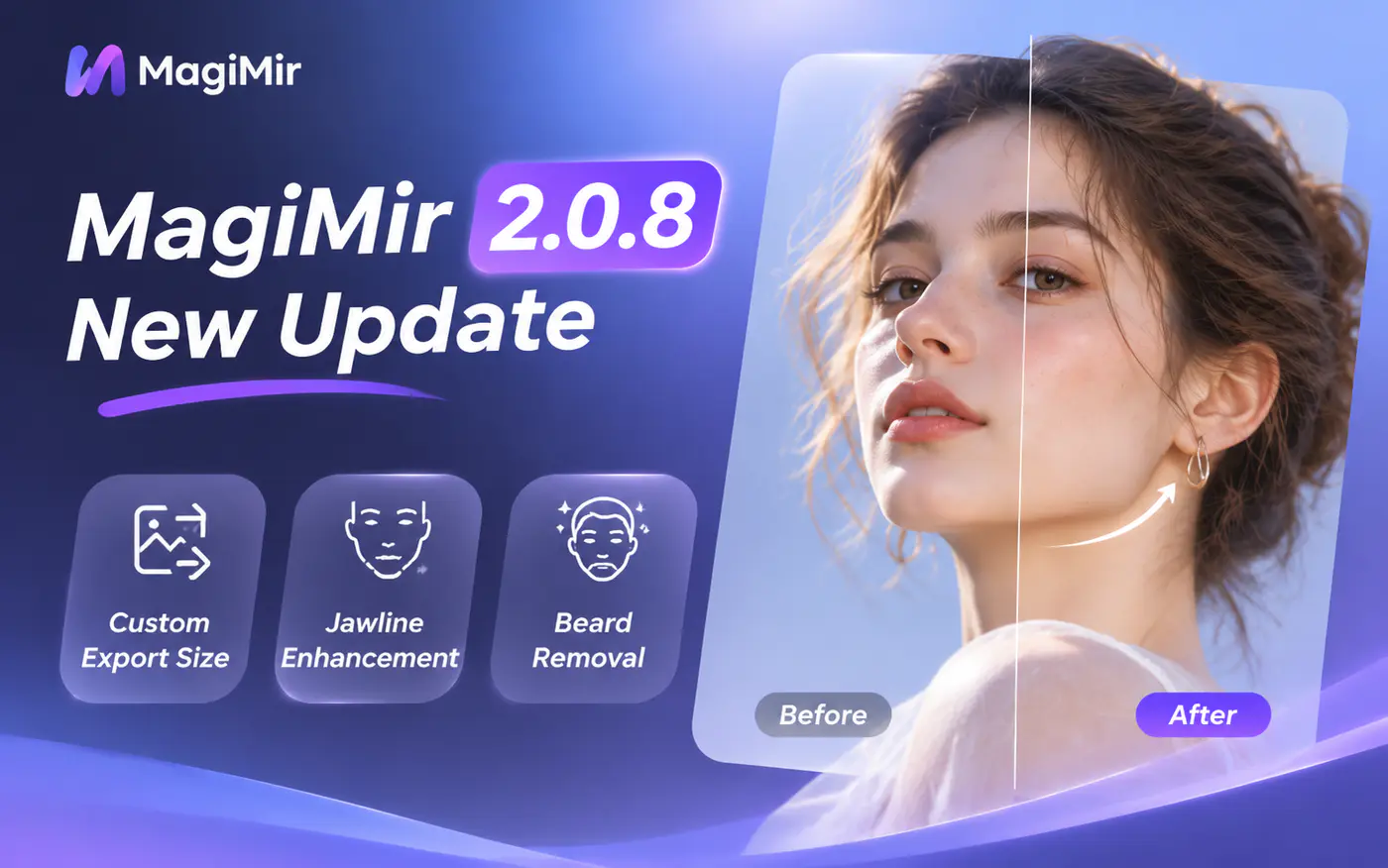
MagiMir 2.0.8 is officially released!
This update brings several practical improvements to portrait retouching, image export, and photo management. From custom export sizes and watermark support to enhanced facial retouching tools, MagiMir gives you more control over your editing workflow.
What's New in MagiMir 2.0.8?
1. Add Watermarks When Exporting
You can now add your own logo or watermark to exported photos, making it easier to personalize and protect your work.
2. Custom Image Dimensions
Choose your preferred image dimensions during export to better meet different delivery and publishing requirements.
3. Blur Original Photos During Preview
A new option allows you to blur the original image while generating previews, preventing unedited photos from appearing during parameter adjustments.
4. Improved Double Chin Removal
The double chin removal feature has been optimized to deliver more natural-looking facial contours.
5. New Jawline Enhancement
Enhance and define the jawline for a more refined, defined, and dimensional facial appearance.
6. New Beard Removal
Remove facial stubble and beard shadows for a cleaner, more natural-looking finish.
7. Before & After Comparison in Liquify
A new comparison feature is now available directly in the Liquify interface, making it easier to review your adjustments.
8. Relink Missing Images
If an image file path is lost, you can now relink the missing image and continue working with it.
How to Download MagiMir 2.0.8
MagiMir 2.0.8 is a standalone installation. Direct in-app updates from version 1.9.3 are currently not supported.
To get the latest version:
- Visit the official MagiMir download page.
- Download the latest installer.
- Install MagiMir 2.0.8 to enjoy the new features.
Official Download: https://www.magimir.com/download
Tip: If the link does not open directly, copy it and paste it into your browser.
More Control. More Natural Retouching. A Better Workflow.
With improved facial retouching, flexible export options, and more convenient photo management, MagiMir 2.0.8 makes everyday editing more efficient.
Update to MagiMir 2.0.8 and explore the latest improvements!
Thank you for being part of the MagiMir community.