
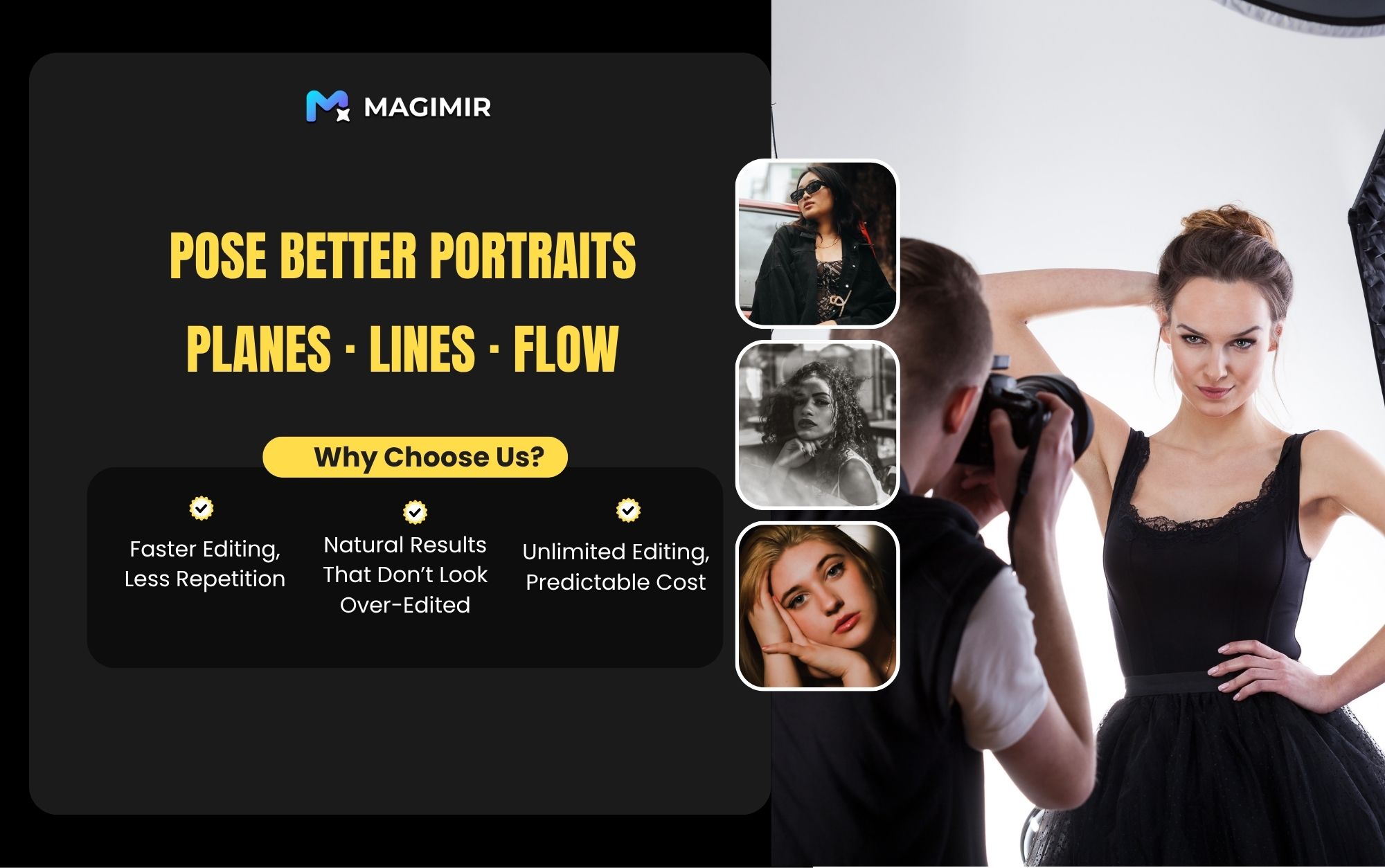
Why Some Poses Feel Natural — and Others Don’t
Most posing problems don’t come from the model.
They come from structure.
A pose looks natural when:
- the body has depth
- the lines flow smoothly
- nothing feels forced or flat
And this is where many photographers struggle — not with posing itself, but with seeing structure clearly.
In professional portrait work, we simplify everything into three ideas:
👉 Planes (shape)
👉 Lines (flow)
👉 Relationships (depth & balance)
1. Train Your Eye for Planes (Shape Awareness)
The core idea
Break the human body into three main parts:
- head
- chest
- legs
Then identify their visible “planes”:
- face plane
- chest plane
- leg plane
👉 This is called plane awareness
Why this matters
If all three planes face the camera directly:
- the pose looks flat
- the body loses dimension
- the image feels stiff
How to “break” the planes (create natural posing)
Face (break the face plane):
- turn the head slightly
- partially hide the face
- crop or use light/shadow to shape the face
Chest (break the chest plane):
- rotate the body
- hands on hips
- create shoulder height difference
Legs (break the leg plane):
- step forward
- extend backward
- tiptoe or cross legs
👉 These small changes create depth instantly
Key principle
The face, chest, and legs should NOT sit on the same plane.
That separation is what creates layering and natural posture.
How Magimir helps refine planes
Even with good direction, poses aren’t always perfect.
With Magimir, you can:
- subtly adjust face angles
- refine body proportions
- enhance depth without over-editing
👉 It’s not about changing the pose
👉 it’s about restoring balance and dimension
2. Control the Lines (Flow Awareness)
If planes create structure,
👉 lines create elegance.
Train your eye for lines
Every body contains hidden lines:
- head tilt → neck → shoulder
- shoulder → arm → hand
- hip → leg → foot
👉 These lines guide how the viewer experiences the image
How to “break” stiff lines
Head line:
- tilt or slightly lean the head
Chest line:
- rotate the torso
- use arms (e.g. hands on waist) to shape curves
Leg line:
- step, cross, or extend
- avoid standing straight and flat
What makes a good line?
A strong posing line should be:
✔ smooth
✔ continuous
✔ relaxed
What to avoid
- sharp 90° angles (arms, wrists, ankles)
- stiff joints
- unnatural tension
These instantly make a pose feel awkward.
How Magimir helps refine lines
Sometimes lines are almost right, but not perfect.
With Magimir, you can:
- soften harsh angles
- refine body flow
- correct minor posture imbalances
👉 These are subtle adjustments — but they elevate the image significantly
3. Line Quality: Smoothness and Completeness
1. Smoothness
Lines should flow naturally across the body.
Avoid:
- sudden direction changes
- broken curves
- rigid positioning
2. Completeness
Lines should feel visually complete.
Avoid:
- missing limbs (awkward cropping)
- hands or feet cut off
- limbs pointing directly into the camera
👉 (This creates distortion and visual tension)
Practical fixes
During shooting:
- adjust angle
- change direction
- use foreground blur to soften intrusive elements
In post (Magimir):
- rebalance composition
- refine proportions
- reduce visual tension
4. Planes + Lines = Natural Posing
The real goal isn’t “posing better.”
It’s combining:
- planes (depth)
- lines (flow)
into one coherent structure.
When done right:
- the body feels dimensional
- the pose feels relaxed
- the image feels alive
5. Final Thought: Natural Always Wins
The best poses don’t look designed.
They look like something is happening — not something is being forced.
You don’t need perfection.
You need:
- balance
- flow
- subtle variation
Where Magimir fits in
It helps you:
- correct small inconsistencies
- enhance natural structure
- keep everything realistic
👉 The result is not “edited”
👉 It just feels right
Try This Next Time You Shoot
Before you press the shutter, check:
- Are the planes separated?
- Do the lines flow smoothly?
- Does anything feel stiff or flat?
After the shoot:
- refine, don’t rebuild
- adjust, don’t exaggerate
That’s how professional portraits stay natural — and still look polished.Start your free trial now